1
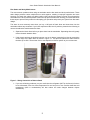
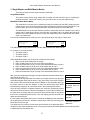
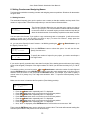
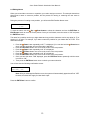
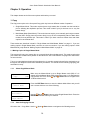
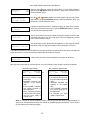
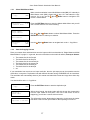
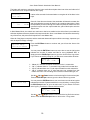
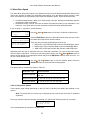
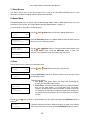
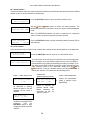
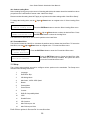
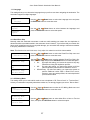
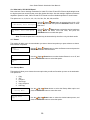
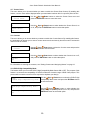
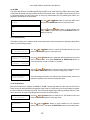
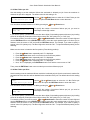
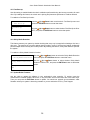
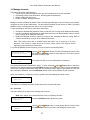
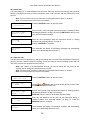
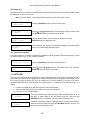
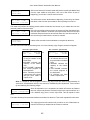
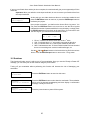
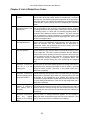
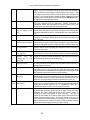
--Aero Series Robotic Autoloader User Manual-1.2.1 Select Multi Master Mode Duplicator 1. Copy 2.00 (MM) Duplicator 8. Master Mode 2.00 Master Mode: Single Master 1.2.2 Press the ENT/Enter button to enter the Master Mode Menu and you will see a screen similar to one of the following: Use the Up or Down button to select Multi Master Mode. Press the ENT/Enter button to submit your selection. Master Mode: Multi Master Duplicator 1. Copy Make sure the autoloader is set to Multi Master mode (MM). If it is already in Multi Master mode (MM), please skip to step 1.2.2 that starts the copy process. If it is not, use the Up or Down button to navigate to the screen 8. Master Mode. 2.00 (MM) Use the Up or Down button to navigate back to the 1. Copy Menu. Start the Copying Process Place your master discs and blank discs onto the input media bin as described in “Single Master and Multi Master Modes” on page 11. In general, the order of the discs on the media bin will be, from top to bottom: The master disc for the first job The blank discs for the first job The master disc for the second job The blank discs for the second job The master disc for the third job The blank discs for the third job etc. If your autoloader has more than one input media bin, then the job sequence can be spread across the media bins, in sequence. Duplication Jobs with different formats among CD/DVD/BD can be intermixed. The autoloader will automatically detect a job’s master and blank disc format and copy them when they match. You should still be at the 1. Copy Menu: Duplicator 1. Copy 2.00 (MM) Preparing... Please Wait OK: 0 NG: 0 NB: 0 Input Bin > Drive01 Press the ENT/Enter button to start the duplication job. After a short interval, the robotic loader will pick the top disc (master disc) from the input media bin and place it into one of the drives. As this is happening, you will see a screen similar to below: This information screen shows what is happening. In this case, the loader has taken a disc from the input media bin and is placing it into Drive 1. 17