1
Residual Tests—163
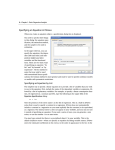
The final step of the wizard is to view the final specification of the auxiliary regression, with
all the options you have previously chosen, and make any modifications. For our choices,
the final specification looks like this:
Our ARCH specification with lags of 1,2,3,6 is shown first, followed by the White specification, and then the additional term, Y, we added. Upon clicking Finish the main Heteroskedasticity Tests dialog has been filled out with our specification:
Note, rather than go through the wizard, we could have typed this specification directly into
the dialog.
This test results in the following output: