1
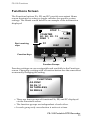
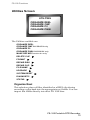
FS-100 Functions
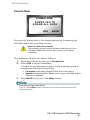
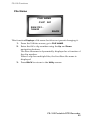
Organize OMF DVCPRO/DV only
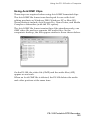
When files are recorded in the AVID OMF file format, this
selection allows you to take all the OMF and AIF audio files at the
end of a recording session and place them into a folder on the disk
drive named OMFI MediaFiles. When the disk is connected to a
computer, this folder is recognized by Avid Editor’s Media Tool
enabling direct import of files into the Avid timeline. Refer to the
section, Using Avid OMF Clips on page 105 for more information.
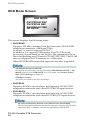
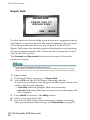
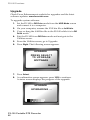
Organize P2
This option creates the file structure for P2 recording and moves
the recorded P2 files into the appropriate folders in order to
provide NLE applications with instant access to content.
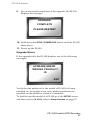
The file structure consists of a main folder CONTENTS with the
sub-directories:
• VIDEO,
• AUDIO,
• CLIP,
In addition, Organize P2 moves the
• MXF video files into the VIDEO folder,
• MXF audio files into the AUDIO folder,
• MXF XML files into the CLIP folder,
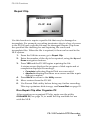
After Organize P2 Copy Files to Another Disk
After performing an ORGANIZE P2 and BEFORE recording new material or
deleting existing clips, copy the recorded files to another hard disk and run the
FORMAT utility.
FS-100 Portable DTE Recorder
76