1
22
buttons then press
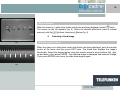
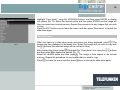
Highlight the “Display time” line, using the
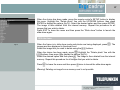
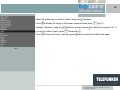
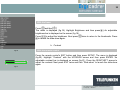
durations appear (fig. 10).
Select the desired duration using the
buttons, and then press
choice.
Press
to leave the menu, and then press
. The different
to confirm your
to launch the slide-show again.
6. Slide show type
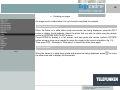
By default, DIGICADRE displays images during the slide show, in the order in which they
were introduced into or saved onto the internal memory.
If you prefer, you can select “random slide show” to randomly select the photo order in the
slide show.
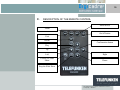
With the remote control
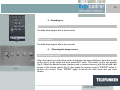
When the frame is in slide show mode, press the remote control’s EXIT button once to
leave it, and then press SETUP. The menu is displayed.
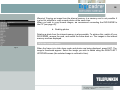
Highlight the “Random slide-show” line with the remote control’s UP/DOWN buttons and
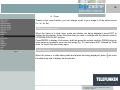
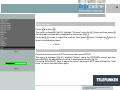
then press ENTER. Two options are then displayed (fig.11).
Non binding document, subject to modification in the event
of misprint(s) – MKG0207