1
35
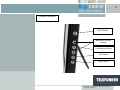
With the frame
Press
and then
.
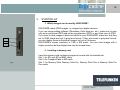
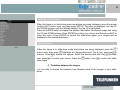
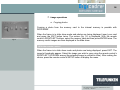
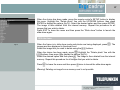
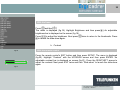
The menu is displayed (fig.18). Highlight Brightness and then press
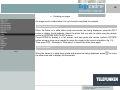
brightness bar is displayed on the screen (fig.19).
Press
to adjust the brightness. Next press
to launch the slide-show again.
. An adjustable
twice to return to the thumbnails. Press
h. Contrast
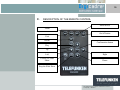
With the remote control
Fig.20
-
+
C
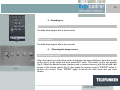
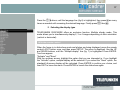
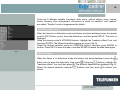
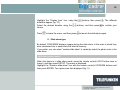
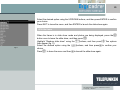
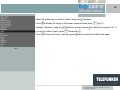
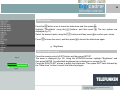
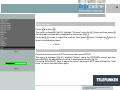
Press the remote control’s EXIT button and then press SETUP. The menu is displayed
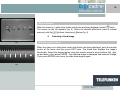
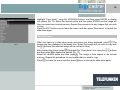
(fig.20). Highlight “Contrast” with the UP/DOWN arrows and then press ENTER. An
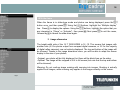
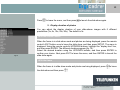
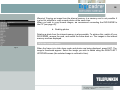
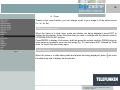
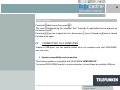
adjustable contrast bar is displayed on screen (fig.21). Press the RIGHT/LEFT arrows to
adjust the contrast. Next press EXIT twice and then “Slide show” to launch the slide-show
again.
Fig.21
Non binding document, subject to modification in the event
of misprint(s) – MKG0207