Download extranet next user guide

Transcript
EXTRANET .NEXT – USER GUIDE – 2 February 2014
20
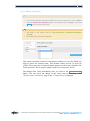
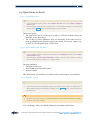
4.4.Authorization code request
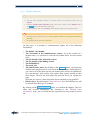
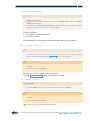
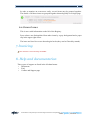
To access it:
•
(
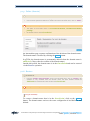
In the operations section, in "Other operations" block, click the "Authorization Code
Request" link
not yet available)
5.Portfolio
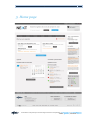
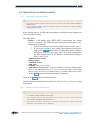
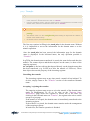
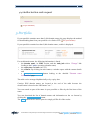
If your portfolio contains more than 2,000 domain names, the page displays the method
for downloading data from your portfolio via a link or FTP ( not yet available).
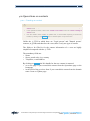
If your portfolio contains less than 2,000 domain names, a table is displayed.
For each domain name, the following information is listed:
• the domain name, its LDH version, and the Auth_info with a "Change" link
leading to the Update operation (domain name)
• the expiry date and time (in UTC)
• the contacts. By clicking on each contact, a window opens with the contact details
and
• a manage domain name button leading to the detailed "Domain name
Information" page.
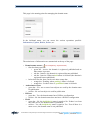
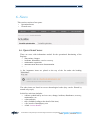
The table can be arranged alphabetically or by expiry date.
Caution: IDN domain names are located at the end of the table because the
classification is based on the LDH name "xn--”.
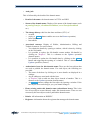
You can search on part of the name in your portfolio or filter by the first letter of the
name.
You can download the list of domain names and information on the cvs format by
clicking the Export domain list button.
The Print button can be used to print in a single pdf file all of the results.
Association Française pour le Nommage Internet en Coopération | www.afnic.fr | [email protected]
Twitter: @AFNIC | Facebook: afnic.fr