1
PowerStudio
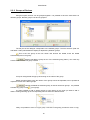
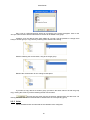
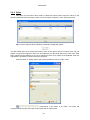
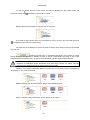
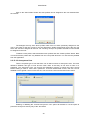
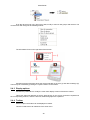
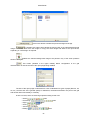
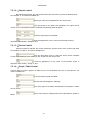
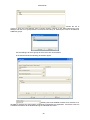
Without releasing the mouse button, drag the group to the destination father group.
Release the mouse button for the change to take place.
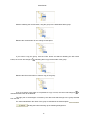
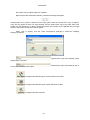
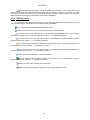
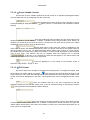
If you want to copy the group, click the CTRL button and without releasing the left mouse
button, the cursor will change to
indicating that a copy will be made of the group.
Release the left mouse button to make a copy of the group.
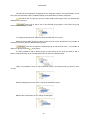
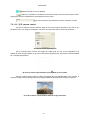
If you try to drag a group which is not possible to copy or move, the cursor will change to
indicate that the action is not allowed.
to
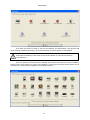
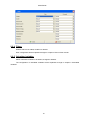
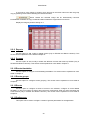
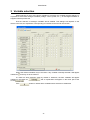
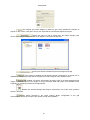
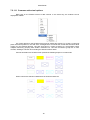
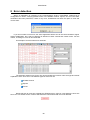
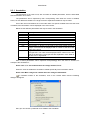
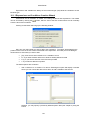
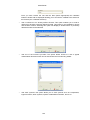
The right part of the dialogue is formed by the device list that belongs to the group selected
from the tree.
For easier identification the name of the group is indicated in the list description
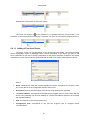
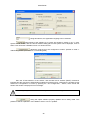
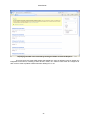
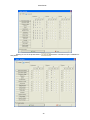
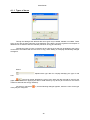
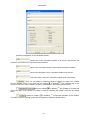
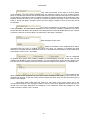
Clicking the button will bring up the following dialogue box:
17