1
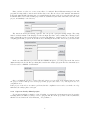
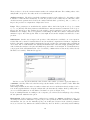
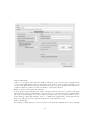
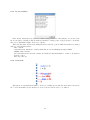
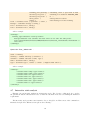
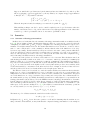
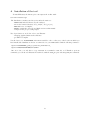
First, you have to select one or more source files to be analyzed. Even if Fluctuat manages C and Ada
programs, it is impossible to mix C and Ada files. Once source files are selected, the General information
item is automatically filled. At this point, you can still change the name of the project as well as the directory
in which it will be stored. The default project name is determined by the name of the first source file of the
project, and similarly ? ? the directory.
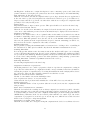
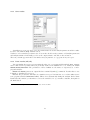
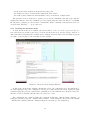
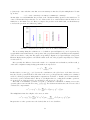
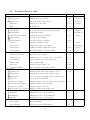
The next item is Pre-processing options. You can specify a pre-processing script. The script
must be written in Bash or Sh language. It takes in input the name of the resulting file, following by the
name of input files. Some general scripts are provided with Fluctuat. In this section, you can also specify
compiling options like gcc option -D, and directories containing the header files .h needed by your source files.
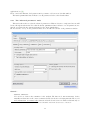
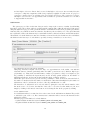
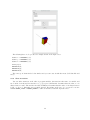
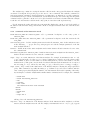
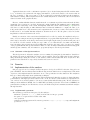
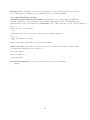
In the case that Fluctuat is provided with the GRKLib integrator, you can specify in the last section
(Hybrid mode) some header files, specifying Ode’s used in the analyzed program. For more information, we
refer the reader to GRKLib documentation.
Once you finish the selection of source files and options, you can click on the Create button to start
the project creation. This process creates project files, pre-processes source code, and stops in case of a
compilation error.
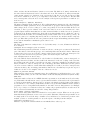
If the project creation does encounter a problem, then the compilation errors can be seen in the error log.
Otherwise, the analyse phase can begin.
2.3.2
Open an already defined project
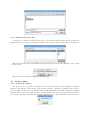
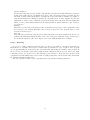
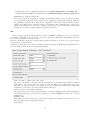
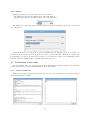
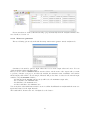
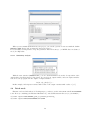
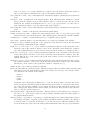
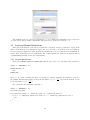
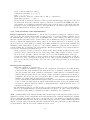
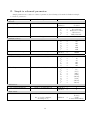
To perform an analysis, or simply to view old results, you can use the action Open Project. It opens the
following window in which you have to select a project.xml file. If the project was created by Fluctuat,
this file is located inside the folder “Fluctuat_<ProjectName>”.
7