1
The next step is to install USB driver required by Bracelet Utility
2. Installation of USB Driver
The following steps are only required when Bracelet, at first time, connects to PC through
certain USB port, which has never gone through the installation procedure.
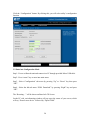
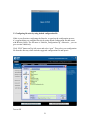
Step1 - Open the utility and select configuration
Step2 - Connect Bracelet and PC with USB cable
Step3 - Turn on Bracelet and ignore the display shown on Bracelet LCD screen
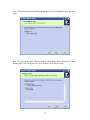
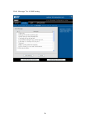
Step4 - Select proper Hardware Wizard and start USB Driver Installation
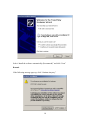
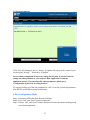
After several seconds the PC screen will show like above, then, check “Yes, this time
only” and click “Next” button
17