1
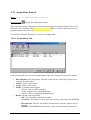
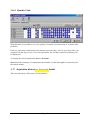
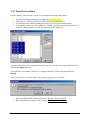
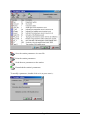
To view the graph (last received hour) of one data type, click over its symbol on the left
panel.
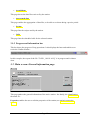
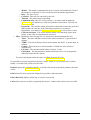
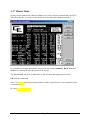
The top of the window displays information about the transmission : the Stat. name (station
name), the status of the transmission (the green led blink when bytes are received or sent),
the number of acquisition and the actual status of the acquisition.
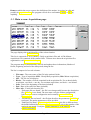
The left panel lists the available data types and respectively the last received value for this
data type.
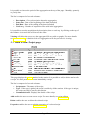
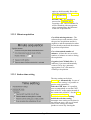
Suspend allows the user to pause the acquisition. Caution, the station will hang up after one
minute of inactivity.
OK ends the acquisition.
3.26 Station's parameters edition
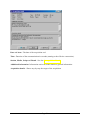
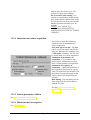
This screen allows the user to view and edit the station parameters. Caution, this operation can
affect the data. The parameters changes should be done by the manager of the station or by an
authorized person.
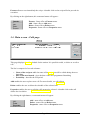
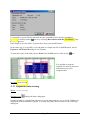
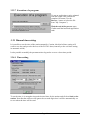
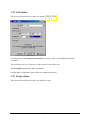
The icons Send and Refresh are only available during the parameters edition, that's to say
during a communication with the weather station.
Page 43