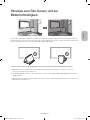
1
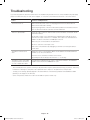
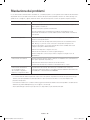
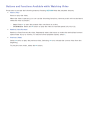
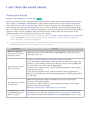
Troubleshooting Wireless Internet Connectivity Issues
Wireless network connection failed,
Try Now Try Now
Selected wireless router not found. Go to Network Settings and select the correct router.
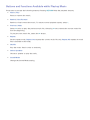
Unable to connect to a wireless router
Try Now Try Now
Check the following:
111
Check if the router is turned on. If it is, turn it off and on again.
222
Enter the correct security key if required.
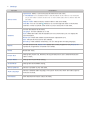
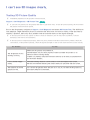
IP auto setting failed
Try Now
Do the following or configure the IP Settings manually.
111
Make sure that the DHCP server is enabled on the router. Then, unplug the router and plug it back
in.
222
Enter the correct security key if required.
333
If this does not work, contact your Internet Service Provider for more information.
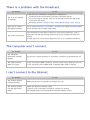
Unable to connect to the network
Try Now
Do the following:
111
Check all IP Settings.
222
Enter the correct security key if required.
333
If this does not work, contact your Internet Service Provider for more information.
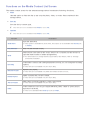
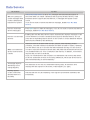
Connected to a local network, but not to the Internet
Try Now
111
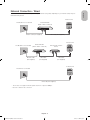
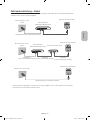
Make sure that the Internet LAN cable is connected to the router's external LAN port.
222
Check the DNS values in the IP Settings.
333
If the problem persists, contact your Internet Service Provider.
Network setup is complete, but unable to connect to the Internet
If the problem persists, contact your Internet Service Provider.
Try Now