1
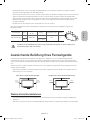
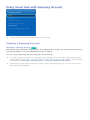
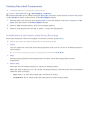
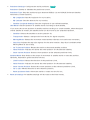
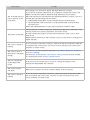
When Aerial Source is set to Terrestrial or Cable
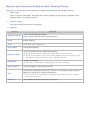
●● Digital Channel Tuning
Scans for a digital channel.
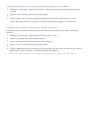
111
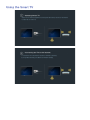
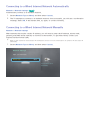
Select the New.
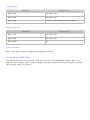
"" When selecting Aerial → Terrestrial: Channel, Frequency, Bandwidth
"" When selecting Aerial → Cable: Frequency, Modulation, Symbol Rate
222
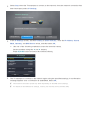
Select the Search. When scanning has finished, a channel is updated in the channel list.
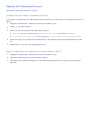
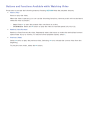
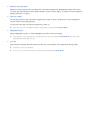
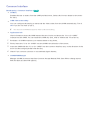
●● Analogue Channel Tuning
Scans for an analogue channel.
111
Select the New.
222
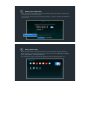
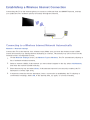
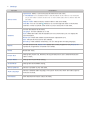
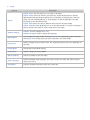
Set the Programme, Colour System, Sound System, Channel and Search.
333
Select the Store. When scanning has finished, a channel is updated in the channel list.
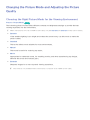
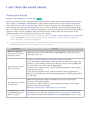
Channel mode
●● P (programme mode)
When tuning is complete, the broadcasting stations in your area have been assigned to position
numbers from P0 to P99. You can select a channel by entering the position number in this mode.
●● C (aerial channel mode) / S (cable channel mode)
These two modes allow you to select a channel by entering the assigned number for each aerial
broadcasting station or cable channel.
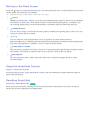
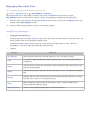
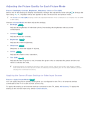
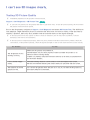
Fine-Tuning the Screen
Broadcasting > Channel Settings > Fine Tune Try Now
"" Available for analogue broadcasts only.
Analogue pictures can become shaky and full of noise. If this happens, you can fine-tune the signal
and/or reduce noise to clear up the picture.
111
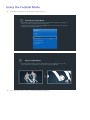
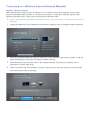
Select Channel Settings > Fine Tune. An adjustment bar appears on the screen.
222
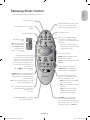
Make adjustments using the Samsung Smart Control until the picture clears up and then select
Save or Close. Select Reset to reset the Fine-Tune operation.