1
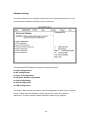
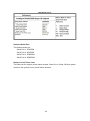
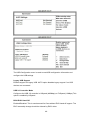
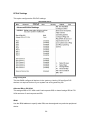
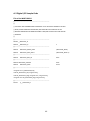
Boot Settings
Quick Boot
This allows BIOS to skip certain tests while booting. This will decrease the time
needed to boot the system.
Quite Boot
When disabled, this displays normal POST messages. When enabled, this displays
OEM Logo instead of POST messages.
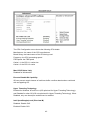
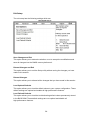
AddOn ROM Display Mode
This allows user to force BIOS/Option ROM of add-on cards to be displayed during
quiet boot.
51