1
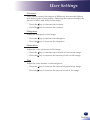
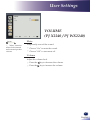
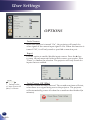
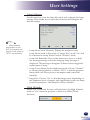
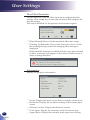
User Settings SETTING Language hoose the multilingual OSD. Press “Enter” to open the sub menu C and then use the or or or key to select your preferred language. Press “Enter” to finalize the selection. N ot e Monitor Out (Standby) Monitor Out function is not available on RICOH PJ S2240. Enable/Disable the Monitor output function. On: Enable the Monitor Out function at projector standby status. Off: Disable the Monitor Out function at projector standby status. Reset 40 English eturn the adjustments and settings to the factory default values. R Choose “Yes” to return the display parameters on all menus except Language and Lamp Hours Used to the factory default settings.