1
Programming your Receiver
3.4
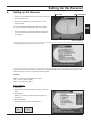
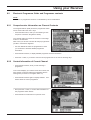
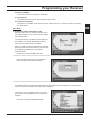
Channel data transfer
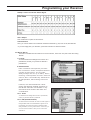
This menu item has been included to assist the
specialist trade. It is used to transfer self-selected
preferential programming from a master device to
several slave devices. This preferential programming takes into consideration the uniform interests of a group of customers, e.g. special regional
or ethnic characteristics.
GB
Master and slave receivers are linked to each
other via RS 232 interfaces for transmission of
the program data.
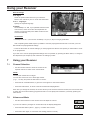
• Connect your receiver with the appropriate set
(Receiver or PC) via RS 232 Interface and cable.
• Choose the function you wish to use and press „OK“ in order to start the transfer.
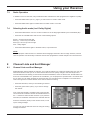
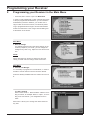
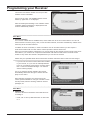
3.5 Reinstallation
ATTENTION:
If you have changed or deleted the pre-programmed data you can reset the device back to the factory
settings. To do this, you will need the password (9 8 1 5).
Main Menu
4. Parental Lock
Various functions of the receiver require a password to be entered, this was set to 0 0 0 0 in the factory.
You can protect the device with an access block to prevent unauthorised use of your receiver.
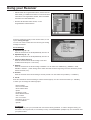
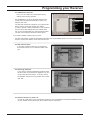
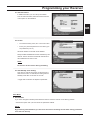
4.1 Channel Lock
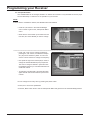
To stop uncontrolled viewing of certain channels, first choose the list by toggling with the LE/RI buttons
and confirm with „OK“. The chosen list appears and using the cursor buttons select the channels you
wish to „lock“. A padlock symbol appears next to the channel name when the „OK“ button is
pressed. Confirm your new settings by pressing the „Exit“ button.
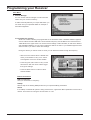
4.2 Access Lock
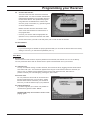
You can protect the device with an access block to
prevent unauthorised use of your receiver. Toggle
with the LE/RI buttons. Each time your receiver is
turned on you will be asked to input your password.
4.3 Change Password
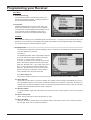
If you have forgotten your number it is possible to
use the factory preset number: 9 8 1 5 .
ATTENTION: Keep this number secure from
prying eyes!
Version 2.0
Page 21