1
R&S®FS-K130PC
Configuring and Performing Measurements
Defining the DSP Properties
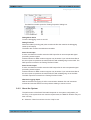
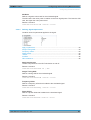
The useful signal bandwidth in turn defines the range in which the resampling post-filter may be applied.
For more information see "Resampling Post-Filter" on page 96.
Remote command:
CONF:DSP:GEN:RSAM:CUT <numeric value>
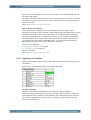
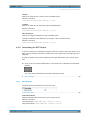
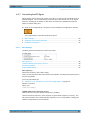
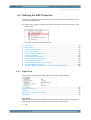
4.4.3 Signal Synchronization
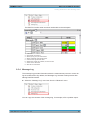
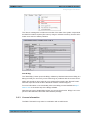
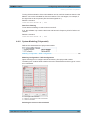
Optimizes the matching of the reference signal and the measured signal.
Periods to analyze.........................................................................................................97
Search Tolerance..........................................................................................................97
Rough Correlation Sync Domain...................................................................................97
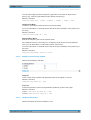
Periods to analyze
Defines the maximum number of analyzed reference signal periods within the measurement signal.
When analyzing data from a file, the file content may change over time, e.g. when the
file starts with the reference signal but then continues with a different signal content. A
case like that would lead to correlation and synchronization errors.
To avoid such erros, you can use this parameter to limit the analysis to a particular
number of reference signal periods. For example, setting the periods to analyze to 1,
analyzes only one period of the reference signal within the measurement signal.
Remote command:
CONF:DSP:SYNC:AVG <numeric value>
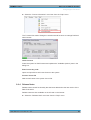
Search Tolerance
Defines the percentage of reference signal periods to try to sync besides one reference
signal period within the measurement signal.
For the typical applications, you should not change the search tolerance.
Remote command:
CONF:DSP:SYNC:TOL <numeric value>
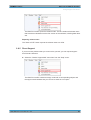
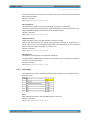
Rough Correlation Sync Domain
Selects the correction method used for the rough estimation during signal synchronization.
Signal synchronization is a 2-step algorithm. The first step is a rough estimation on
only a few parameters. The "Rough Correlation Sync Domain" applies to that step. You
can select either "Magnitude" or "IQ" domain.
The second step of the algorithm is a fine estimation that includes all parameters to
estimate.
User Manual 1173.1162.12 ─ 03
97