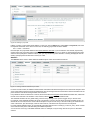
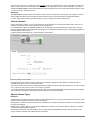
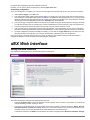
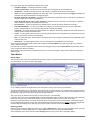
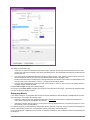
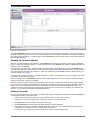
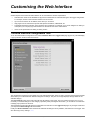
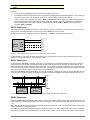
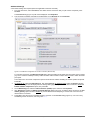
1
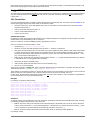
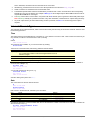
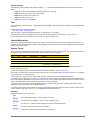
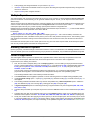
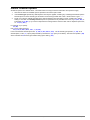
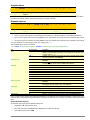
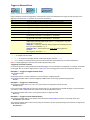
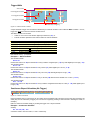
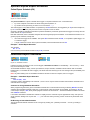
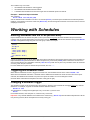
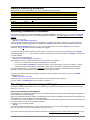
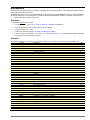
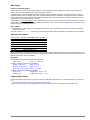
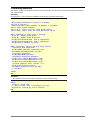
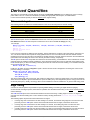
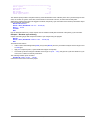
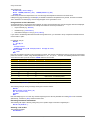
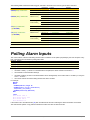
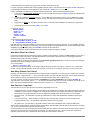
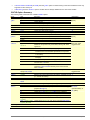
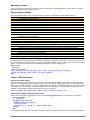
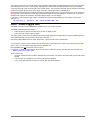
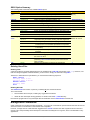
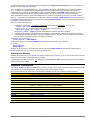
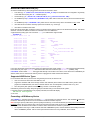
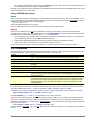
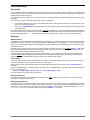
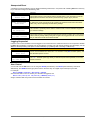
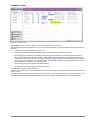
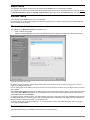
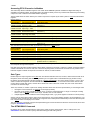
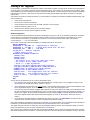
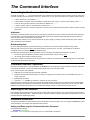
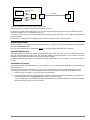
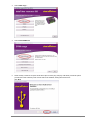
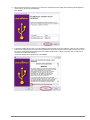
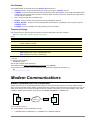
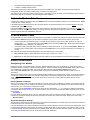
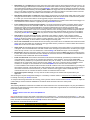
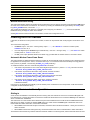
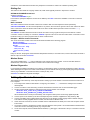
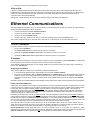
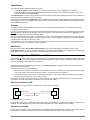
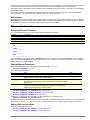
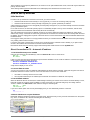
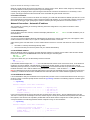
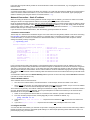
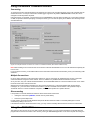
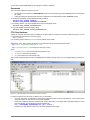
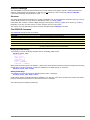
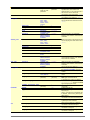
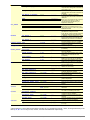
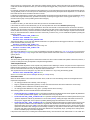
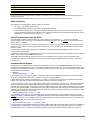
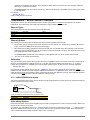
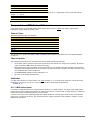
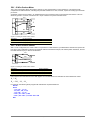
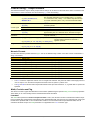
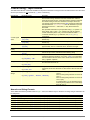
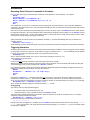
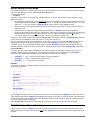
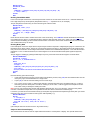
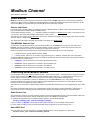
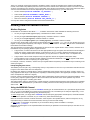
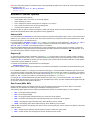
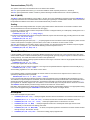
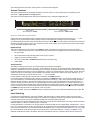
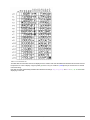
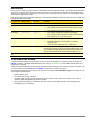
establish a PPP connection to the logger over the USB link (PPP is a protocol that allows TCP/IP traffic to be passed over a point-to-point serial link) provide a local IP address, typically 127.1.1.1, which effectively becomes the DT80's IP address. display the purple icon in the task bar, which will remain visible whilst the logger is connected optionally, automatically launch your default web browser and display the dEX home page Applications such as a web browser, FTP client, DeTransfer or a Modbus client can then connect to the logger's services using the 127.1.1.1 address, and DtUsb will forward their requests on to the logger. Note DtUsb assumes that all logger services are operating using their default port numbers. If you experience problems accessing a particular service, check the following DT80 profile settings PROFILE COMMAND_SERVER PORT=7700 PROFILE HTTP_SERVER PORT=80 PROFILE MODBUS_SERVER TCPIP_PORT=502 Remember also that the USB port function must be set to COMMAND (which is the default) in order for DtUsb to work, i.e. PROFILE USB_PORT FUNCTION=COMMAND DtUsb GUI For the most part, DtUsb is intended to be invisible – its main purpose is simply to provide a TCP/IP connection over USB so that dEX and other logger services can be accessed. However, DtUsb does include a simple graphical user interface (GUI). To access this, double click on the purple icon while a logger is connected. Alternatively, you can find a link to DtUsb on the Windows Start menu, in the dataTaker folder. The DtUsb GUI comprises three screen, selected by clicking on the tabs along the top. Each screen contains the same three buttons along the bottom: Quit will terminate DtUsb, which will mean that the logger's TCP/IP services will no longer be available. This should normally only be used if you wish to use the direct "COM port" interface to the logger, rather than the TCP/IP interface. Hide will close the GUI, but DtUsb will keep running. Closing the window with the red X button will do the same thing. Apply will apply any changes you have made on the Configuration tab. Loggers Screen Figure 58: Main DtUsb screen The Loggers tab shows a list of all connected loggers, along with their IP addresses and the port numbers to use to access their services. For the HTTP (web) and FTP services, links are provided which will open a web browser window. The HTTP link will display the dEX home page, while the FTP link will display the web browser's inbuilt FTP client, allowing you to browse the logger's file system. To access the command server (e.g. in DeTransfer) you would create a connection using the indicated IP address and port number (127.1.1.1 port 7700 in this case). To access the DT80 Modbus server you would enter a similar thing into your Modbus client application. Note that the port numbers may not necessarily be the "normal" ones shown in the example. For example, if there is a web or FTP server running on your PC then DtUsb will automatically assign different port numbers in order to avoid conflicts – for example, port 81 instead of port 80 for the web interface. UM-0085-B3 DT80 Range User’s Manual Page 167