1
Introducing View: The User Interface
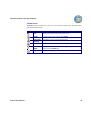
Navigator Pane
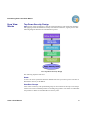
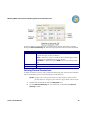
The Navigator pane enables you to find, select, open, delete, and rename your groups, sets
and files, in addition to displaying their hierarchy. The Navigator pane also displays
whether or not a file (logical or physical) has Activated Security (see Chapter 6, Working
with Permissions).
Navigator Pane
View 3 User Manual
9