1
2
raytest
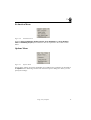
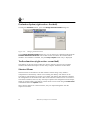
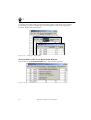
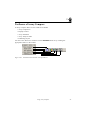
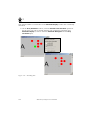
To enter a rule statement:
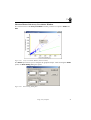
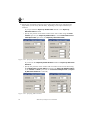
1 Click the Edit button on the Filter panel.
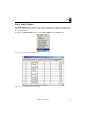
The Array Analysis Table Clauses dialog box appears.
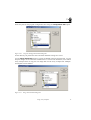
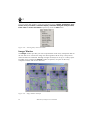
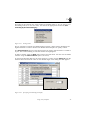
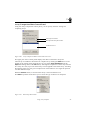
2 On the Alternatives panel, click Add.
This adds the phrase 1. Clause is: to the Alternatives list panel.
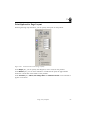
3 Then click the Add button on the Clauses panel.
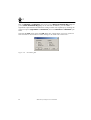
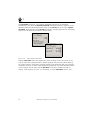
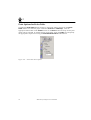
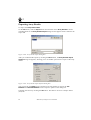
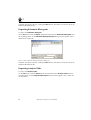
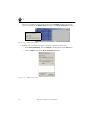
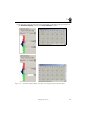
Figure 2-85
Adding rule clauses
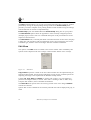
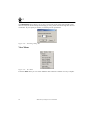
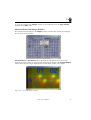
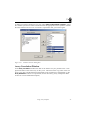
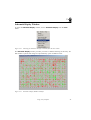
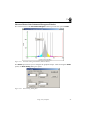
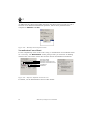
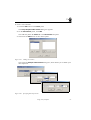
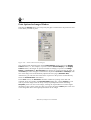
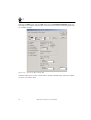
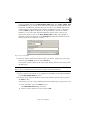
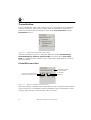
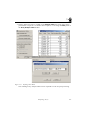
This opens the Analysis Table Clauses dialog box, which allows you to define your
rule expression.
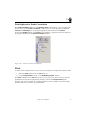
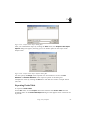
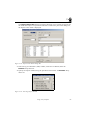
Figure 2-86
Specifying Rule Expression
Using Array Compare
67