1
Chapter 4 Installation and calibration
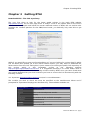
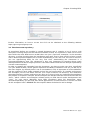
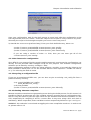
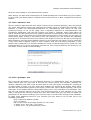
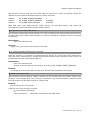
Illustration 5: latency test in kernel mode with bad
results
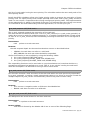
As you can see in this example the test shows weird results, which obviously aren't acceptable
for a real time applications. To better understand why this can happen you should be aware of
a series of “latency killer” conditions which may be present on your system. Among them there
are:
-heavy DMA activities (like the hard-drive or other PCI devices)
-the use of an accelerated x-server
-the USB legacy support
-the power management (both APM and ACPI)
-CPU frequency scaling
-SMI
-plus many others
The “latency killers” cause unpredictable timing results and that is incompatible with the
concept of real-time. As a workaround you may start disabling them both in the BIOS and in the
kernel configuration. You may find specific informations on how to disable the functions at
kernel level under linux/Documentation kernel-parameters.txt.
Once you have disabled the suspected “latency killer” run again the test to see if it was the
guilty one.
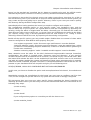
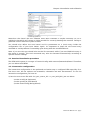
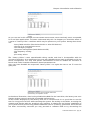
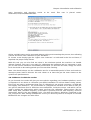
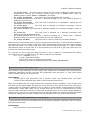
Illustration 6: latency test in kernel mode with
(preliminary) acceptable results
In the above illustration, after having disabled the DMA for the hard-drive, the latency test runs
fluently without overruns and with acceptable performances.
All the results displayed by the latency tests are in nanoseconds. It's a good idea to run this
test for a long period of time while stressing the system, like writing on the disks, accessing the
network and playing with the graphical user interface to obtain the real timing capabilities of
your system and to find out any possible additional source of latency generation. Once the test
has been successfully executed you may proceed to calibrate RTAI to try decreasing the
RTAI User Manual 3.3 - pag 11