1
4
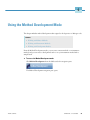
Using the Method Development Mode
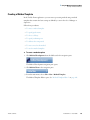
Working with Master Methods
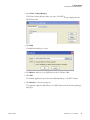
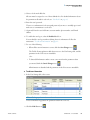
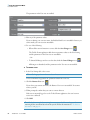
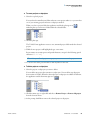
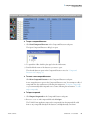
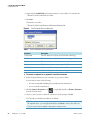
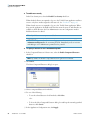
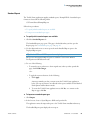
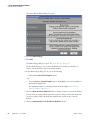
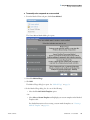
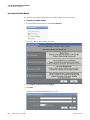
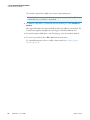
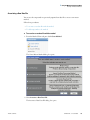
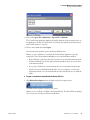
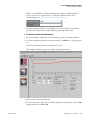
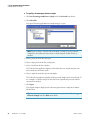
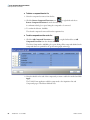
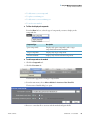
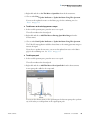
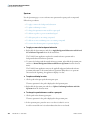
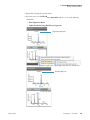
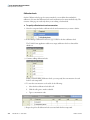
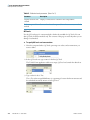
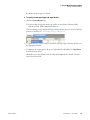
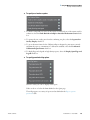
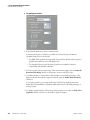
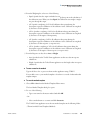
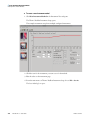
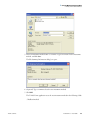
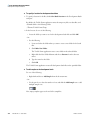
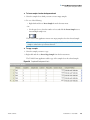
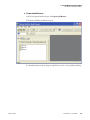
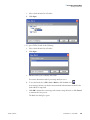
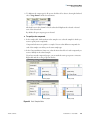
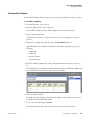
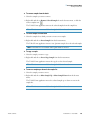
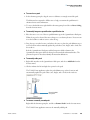
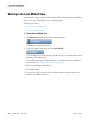
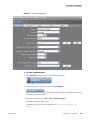
4. To select an Xcalibur processing method file to import, click the browse button for the
Xcalibur Method to Import box.
5. Browse to the Xcalibur processing method file and open the file.
The ToxLab Forms application imports the compound information from the Xcalibur
method file.
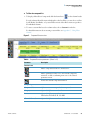
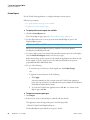
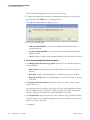
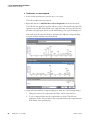
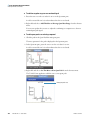
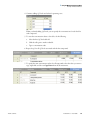
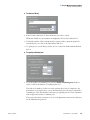
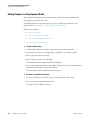
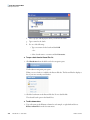
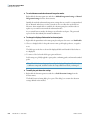
6. To associate a raw data file with this method, click the browse button for the Rawfile to
Associate box.
7. Browse to the raw data file and open the file.
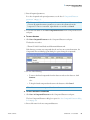
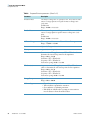
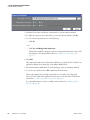
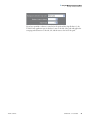
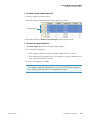
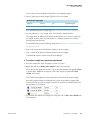
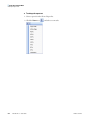
8. (Optional) Change the number of decimal places in the Mass Precision box.
You can set the mass precision decimal places to any integer between 0 and 5, inclusive.
9. Click OK.
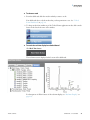
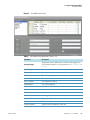
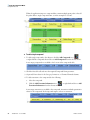
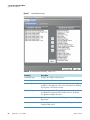
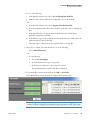
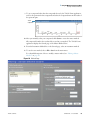
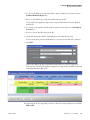
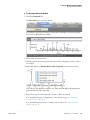
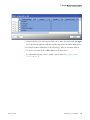
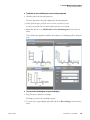
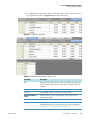
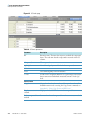
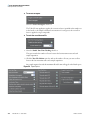
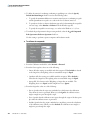
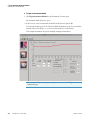
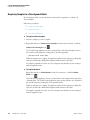
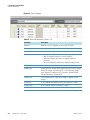
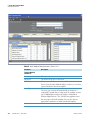
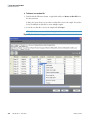
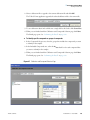
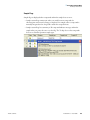
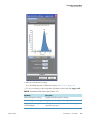
If the compounds in the imported Xcalibur method file are not in the Compound
Datastore, the ToxLab Forms application displays the compounds in the Edit Compound
Dependent Parameters dialog box.
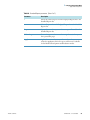
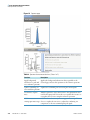
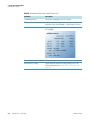
10. (Optional) Select the compounds you want to add to the Compound Datastore and click
Add to CDS.
Thermo Scientific
ToxLab Forms 3.1 User Guide
63