1
3
Mathematics
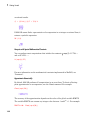
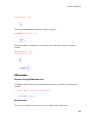
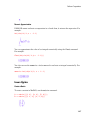
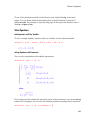
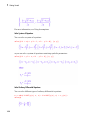
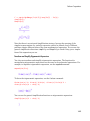
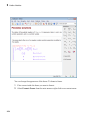
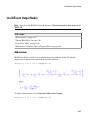
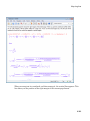
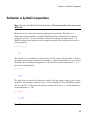
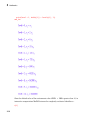
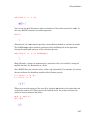
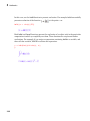
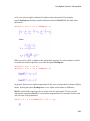
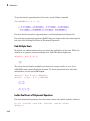
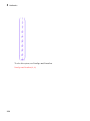
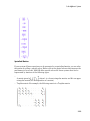
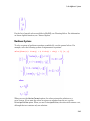
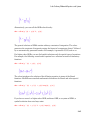
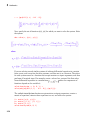
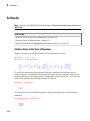
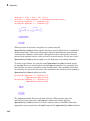
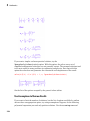
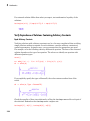
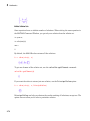
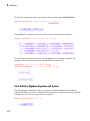
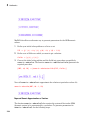
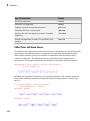
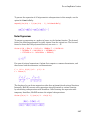
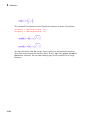
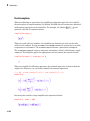
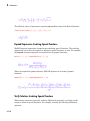
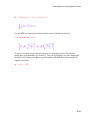
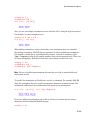
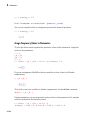
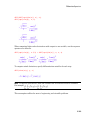
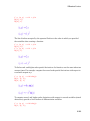
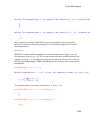
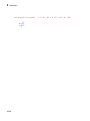
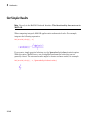
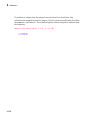
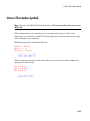
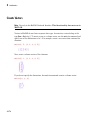
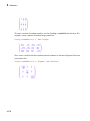
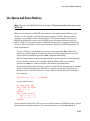
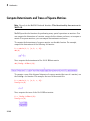
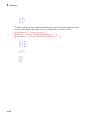
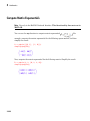
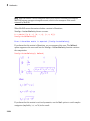
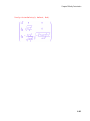
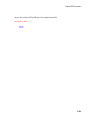
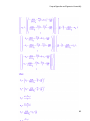
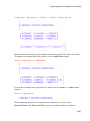
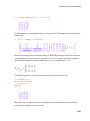
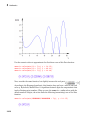
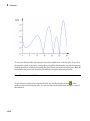
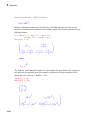
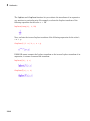
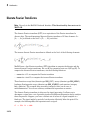
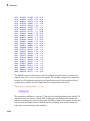
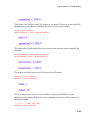
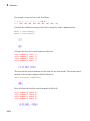
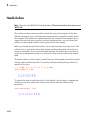
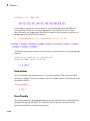
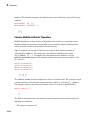
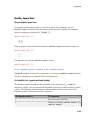
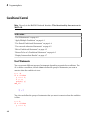
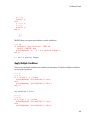
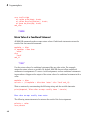
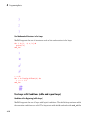
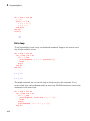
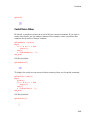
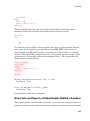
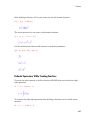
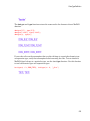
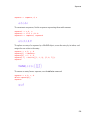
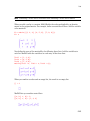
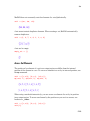
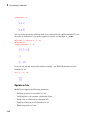
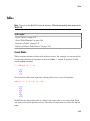
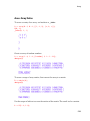
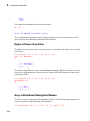
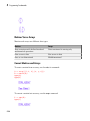
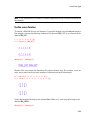
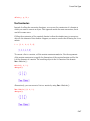
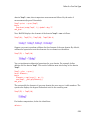
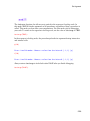
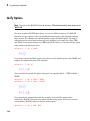
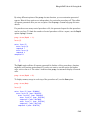
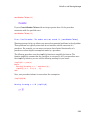
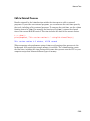
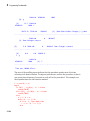
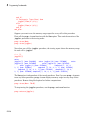
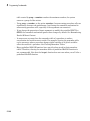
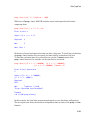
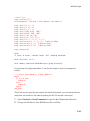
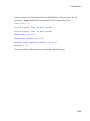
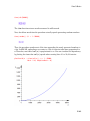
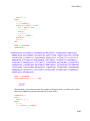
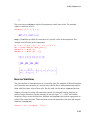
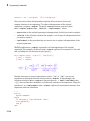
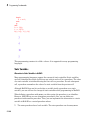
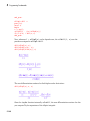
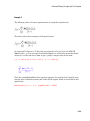
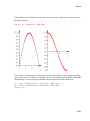
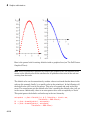
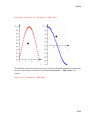
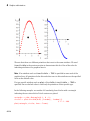
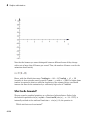
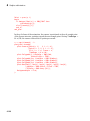
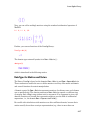
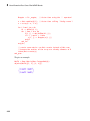
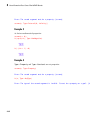
You can simplify the result even more by increasing the number of steps:
Simplify(f, Steps = 150)
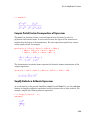
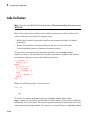
Apply Several Simplification Functions
To transform a very complicated expression or an expression that should appear in a
particular form, you might need to apply several simplification functions. When you
transform an expression to a particular form by using a special transformation function,
the function can return can return results that are not fully simplified. Suppose you want
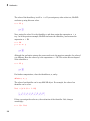
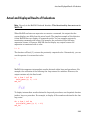
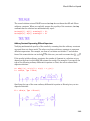
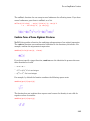
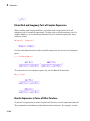
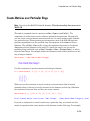
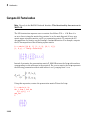
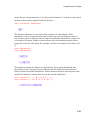
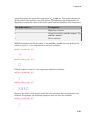
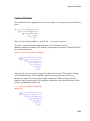
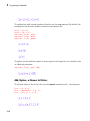
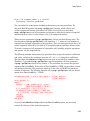
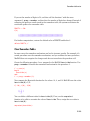
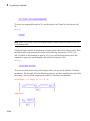
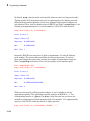
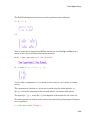
to rewrite the trigonometric expression in terms of exponential functions. The rewrite
command replaces the sin and cos functions by exponential functions, but does not
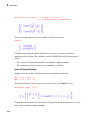
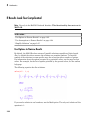
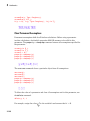
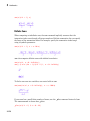
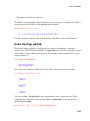
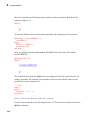
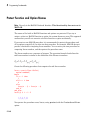
simplify the result:
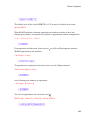
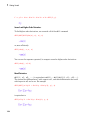
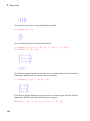
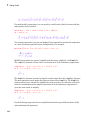
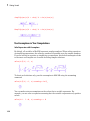
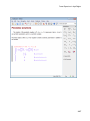
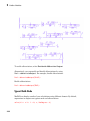
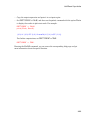
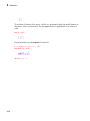
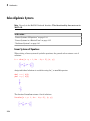
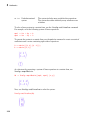
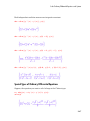
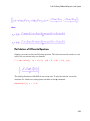
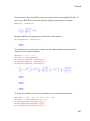
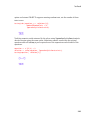
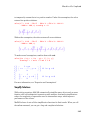
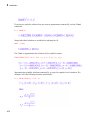
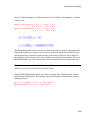
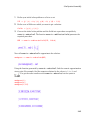
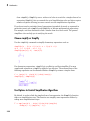
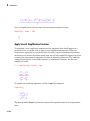
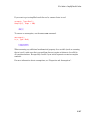
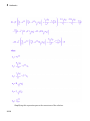
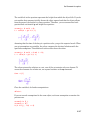
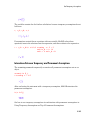
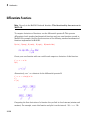
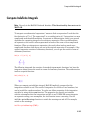
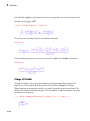
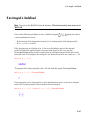
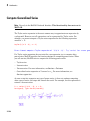
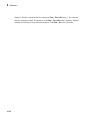
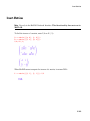
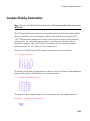
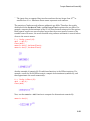
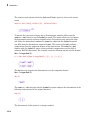
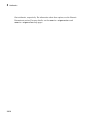
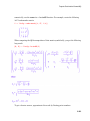
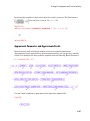
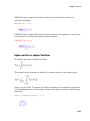
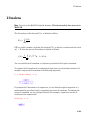
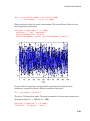
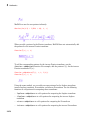
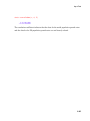
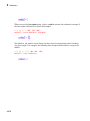
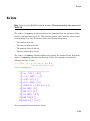
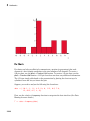
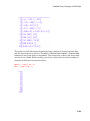
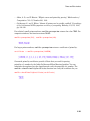
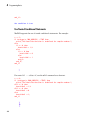
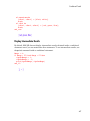
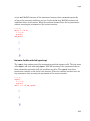
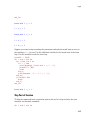
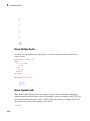
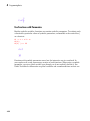
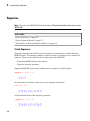
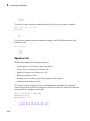
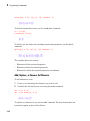
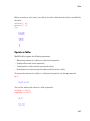
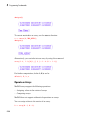
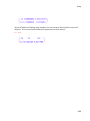
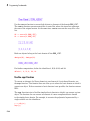
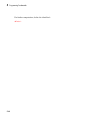
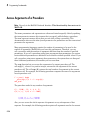
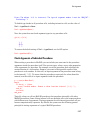
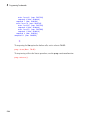
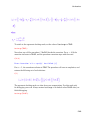
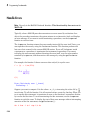
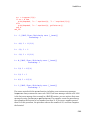
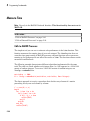
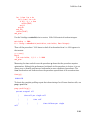
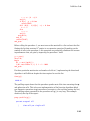
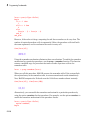
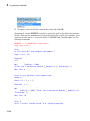
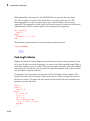
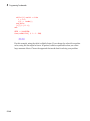
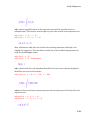
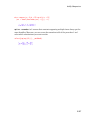
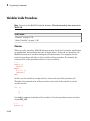
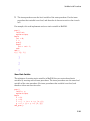
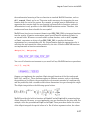
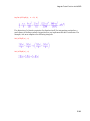
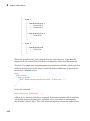
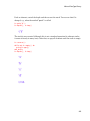
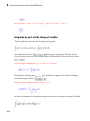
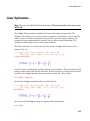
f := rewrite(sin(x)/cos(x), exp)
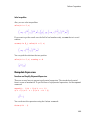
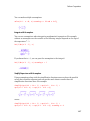
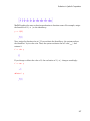
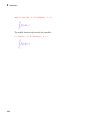
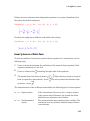
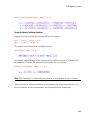
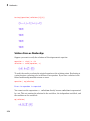
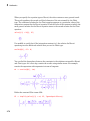
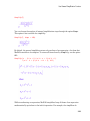
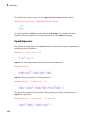
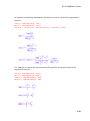
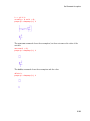
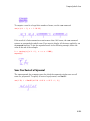
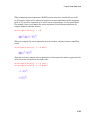
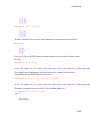
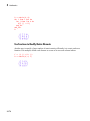
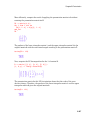
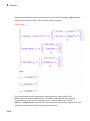
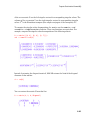
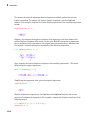
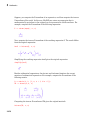
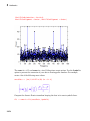
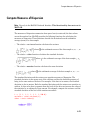
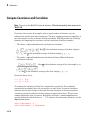
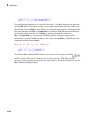
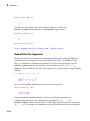
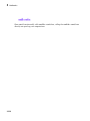
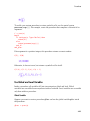
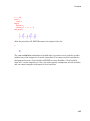
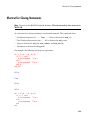
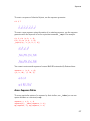
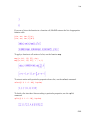
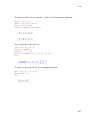
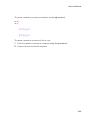
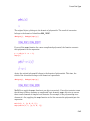
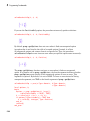
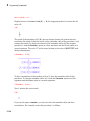
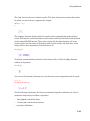
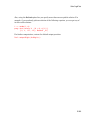
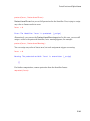
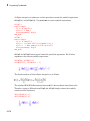
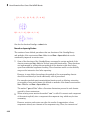
To simplify the resulting expression, call the simplify command:
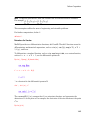
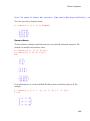
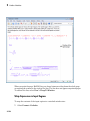
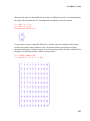
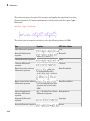
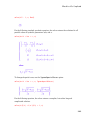
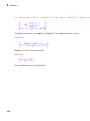
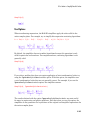
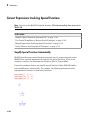
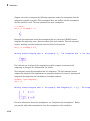
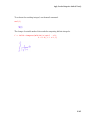
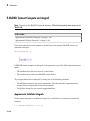
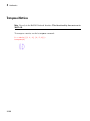
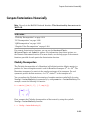
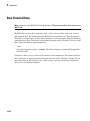
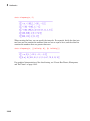
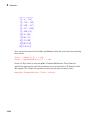
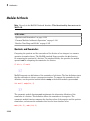
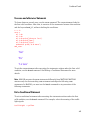
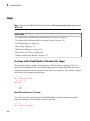
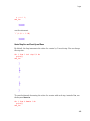
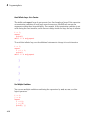
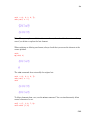
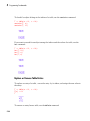
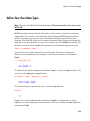
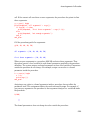
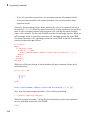
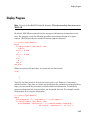
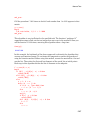
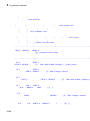
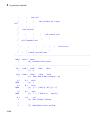
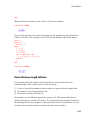
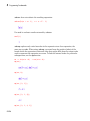
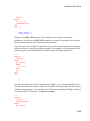
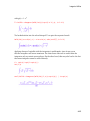
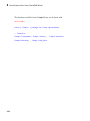
simplify(f)
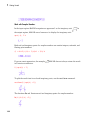
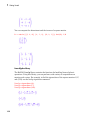
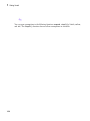
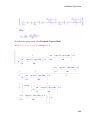
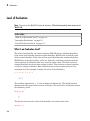
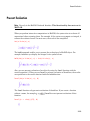
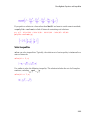
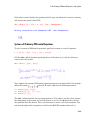
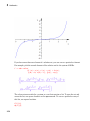
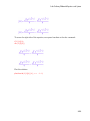
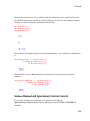
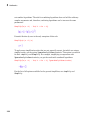
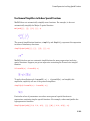
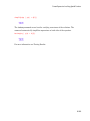
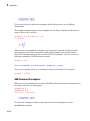
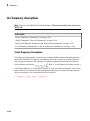
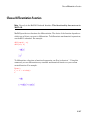
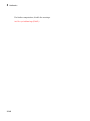
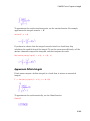
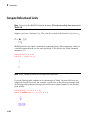
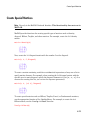
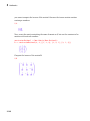
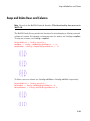
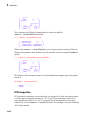
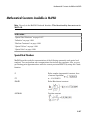
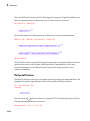
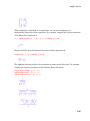
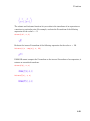
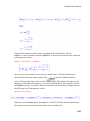
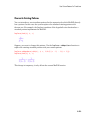
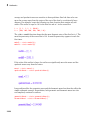
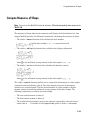
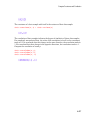
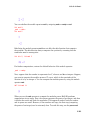
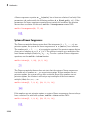
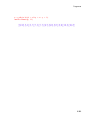
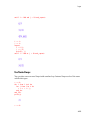
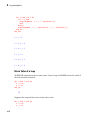
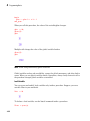
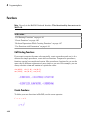
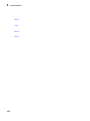
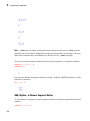
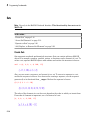
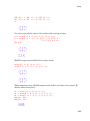
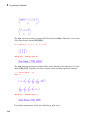
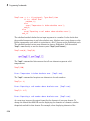
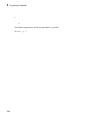
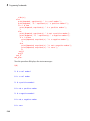
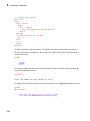
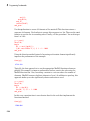
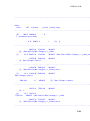
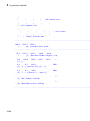
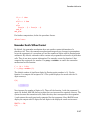
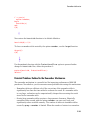
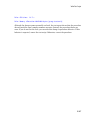
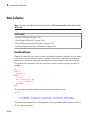
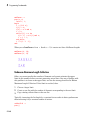
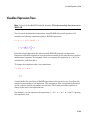
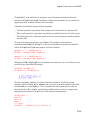
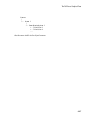
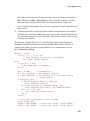
The more powerful Simplify function converts this expression back to its trigonometric
form:
3-104