Download GD510 User Guide
Transcript
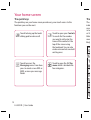
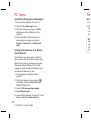
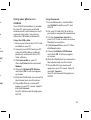
PC Sync Th Synchronizing your messages Acc 1 Connect the phone to your PC. 2 Click on the Messages icon. 3 All your phone messages will be displayed in the folders on the screen. 4 Click the title of the columns to rearrange messages sorted by Sender, Contents and Received date. 1 To 2 To pa se th Using your phone as a Music Sync device Your Phone can be used as a Music Sync device for Sync Music Files only. Music Sync can be carried out using Windows Media Player 10/11 and supports both Handset Memory and an External Memory Card. 1 Disconnect your phone from your PC. 2 From the Home screen select , and then select Connectivity on the SETTINGS tab. 3 Select USB connection mode. 4 Touch Music sync. 5 Connect the phone to your PC. Your phone will read: Connected. 50 LG GD510 | User Guide NO inc ser Ch yo