1
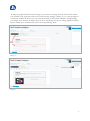
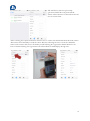
Image 15
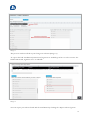
The preview window will show your changes in real-time (Image 15).
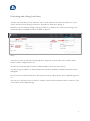
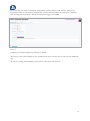
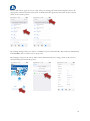
To export the lead attachments (businesscard, signature or audiofile) you have to select coactive the
fields businesscard, signature and / or audiofile.
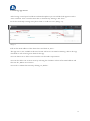
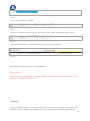
Image 16
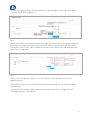
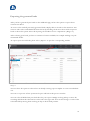
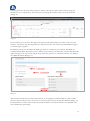
You can export your selected leads and the attachments by clicking the “Export selected guests”.
13