1
Creating a Template in Arrange for Batch
209
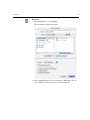
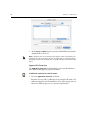
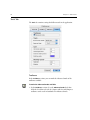
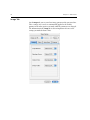
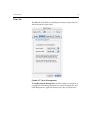
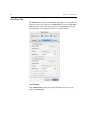
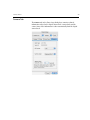
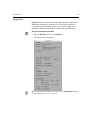
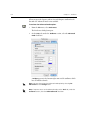
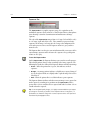
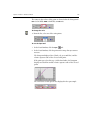
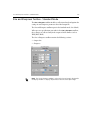
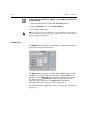
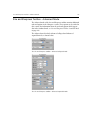
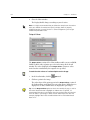
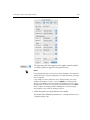
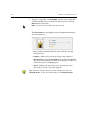
The open image file name appears in the template name box and the
saved file’s parameters appear in the parameter boxes.
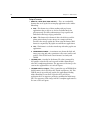
Notes:
The displayed parameters are the same as those displayed in the Image Info
window of the Leaf Capture V8 application. For more information, see Image
Info on page 103.
If you change any of the parameters of the displayed image, the current
template name appears in italics. If you click Apply, the new parameters
appear in the toolboxes and in the Image Info window of the Leaf Capture
V8 application. If you do not save the new template before you click Close,
when you open the Arrange for Batch dialog box the unsaved template
name appears at the end of the template name list.
3.
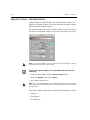
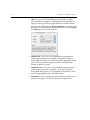
Define the parameters required for the new template.
For details about defining the parameters, see Setting Parameters for a
Template on page 210.