1
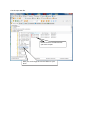
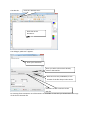
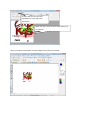
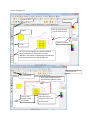
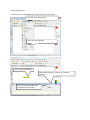
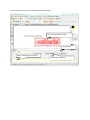
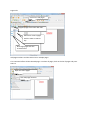
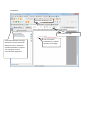
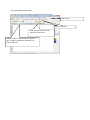
The scanned text editor.
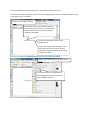
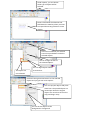
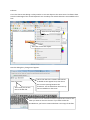
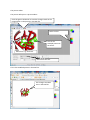
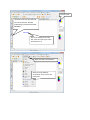
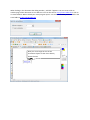
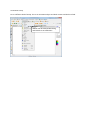
You are now in an other module of PDF editor. Here you can edit scanned text:
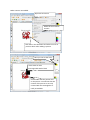
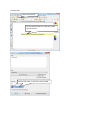
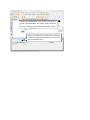
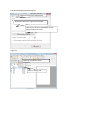
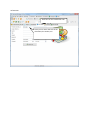
Click here to save the changes to the PDF file.
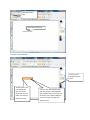
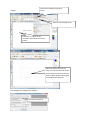
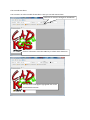
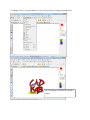
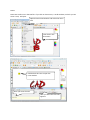
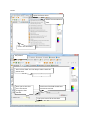
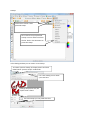
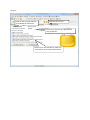
Click on a character. Press the SHIFT key to select more characters.
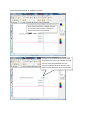
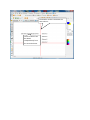
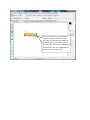
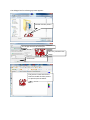
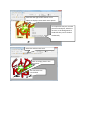
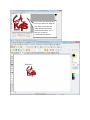
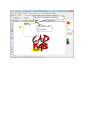
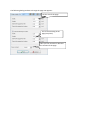
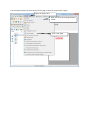
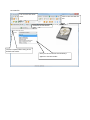
The characters now appear highlighted and can be
moved with the mouse.