1
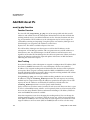
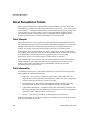
Asset Management
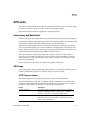
Download Asset Range Info Report
Download Asset Range Info Report
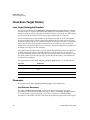
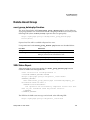
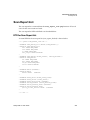
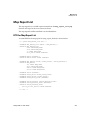
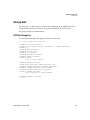
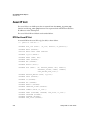
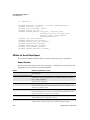
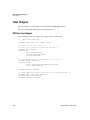
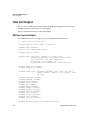
asset_range_info.php Function
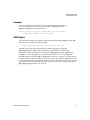
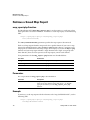
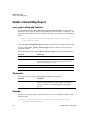
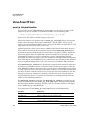
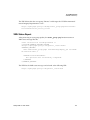
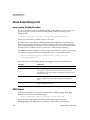
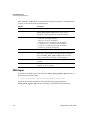
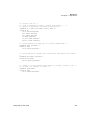
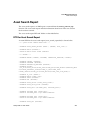
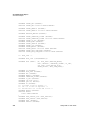
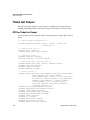
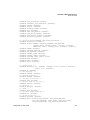
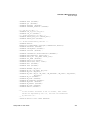
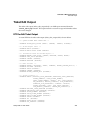
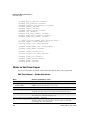
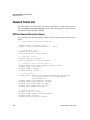
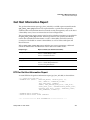
The asset_range_info.php function is used to download an asset report for a range
of IP addresses specified with the request. The report target may include a combination
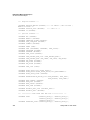
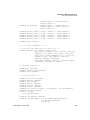
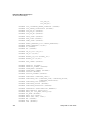
of IP addresses, ranges and asset groups. The XML report returned by this function
includes detailed information on each host based on the most up-to-date vulnerability
data. Disabled vulnerabilities and Ignored vulnerabilities, as defined in the Qualys user
interface, are not included in the XML report.
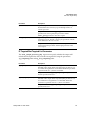
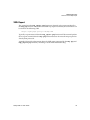
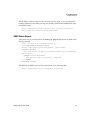
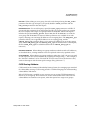
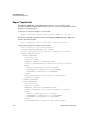
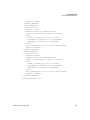
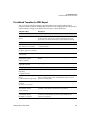
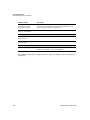
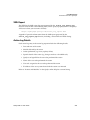
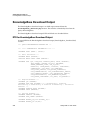
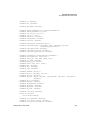
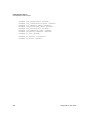
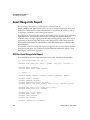
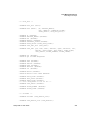
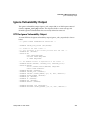
This report is based on a Qualys defined report template. For more information, see
“Pre-defined Template for XML Report”
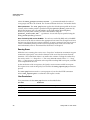
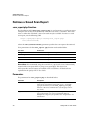
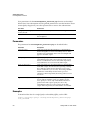
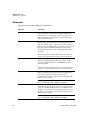
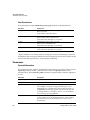
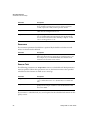
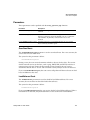
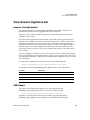
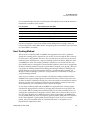
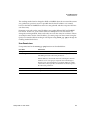
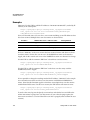
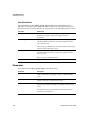
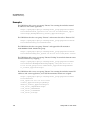
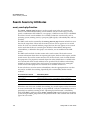
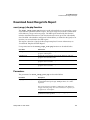
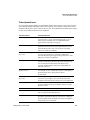
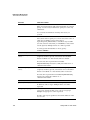
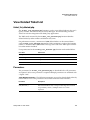
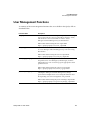
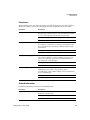
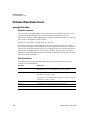
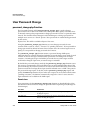
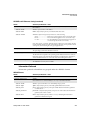
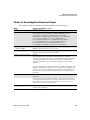
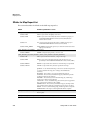
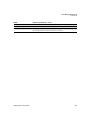
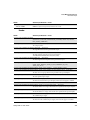
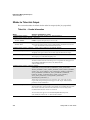
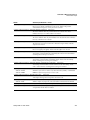
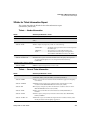
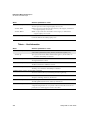
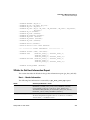
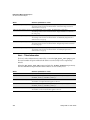
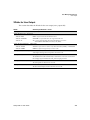
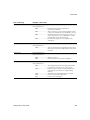
User permissions for the asset_range_info.php function are described below.
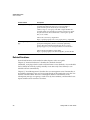
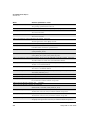
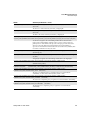
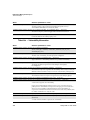
User Role
Permissions
Manager
Download asset range info report for IP addresses and asset
groups in subscription.
Unit Manager
Download asset range info report for IP addresses and asset
groups in user’s business unit.
Scanner
Download asset range info report for IP addresses and asset
groups in user’s account.
Reader
Download asset range info report for IP addresses and asset
groups in user’s account.
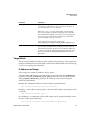
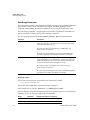
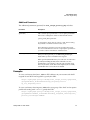
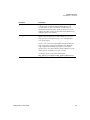
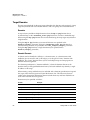
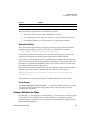
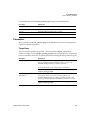
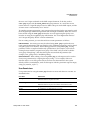
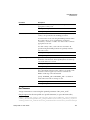
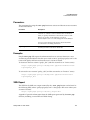
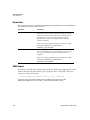
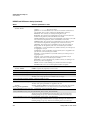
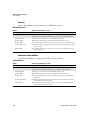
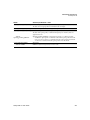
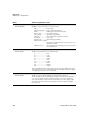
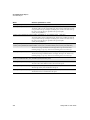
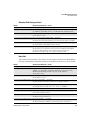
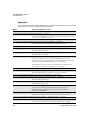
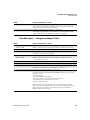
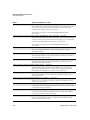
Parameters
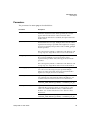
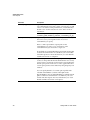
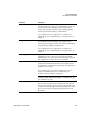
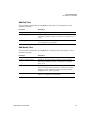
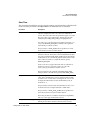
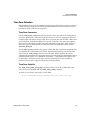
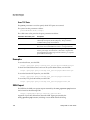
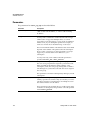
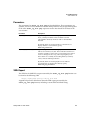
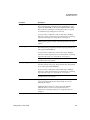
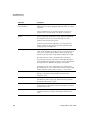
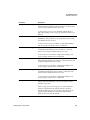
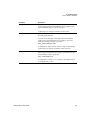
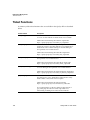
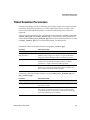
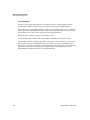
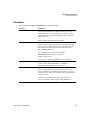
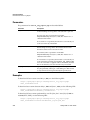
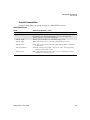
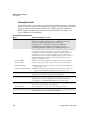
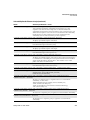
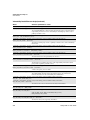
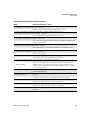
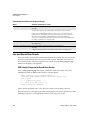
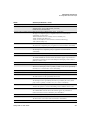
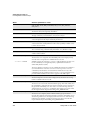
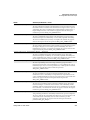
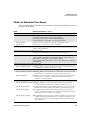
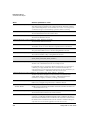
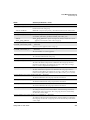
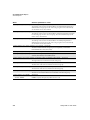
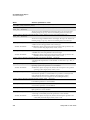
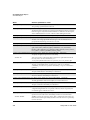
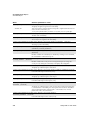
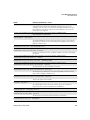
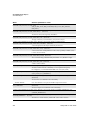
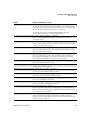
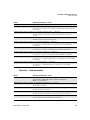
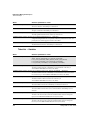
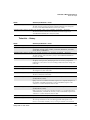
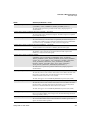
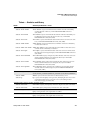
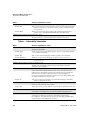
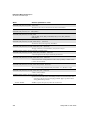
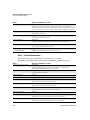
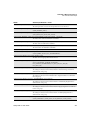
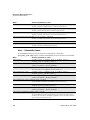
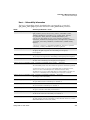
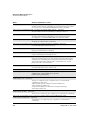
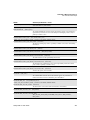
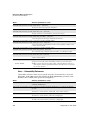
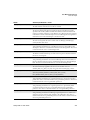
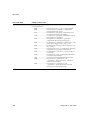
The parameters for asset_range_info.php are described below.
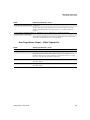
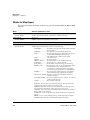
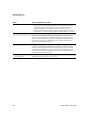
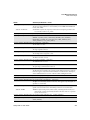
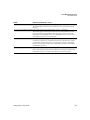
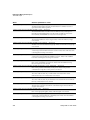
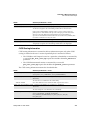
Parameter
Description
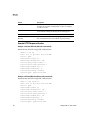
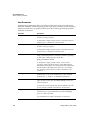
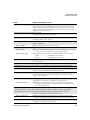
target_ips={addresses}
(Optional) Specifies one or more IP addresses and/or ranges to
be included in the report target. Multiple entries are comma
separated.
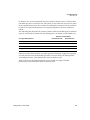
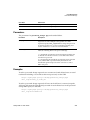
The report target may include a combination of IP addresses,
ranges, and asset groups. For more information on syntax, see
“Target Hosts” in Chapter 2.
This parameter and/or the target_asset_groups
parameter must be specified.
Qualys API V1 User Guide
143