1
ManageEngine Desktop Central :: Help Documentation
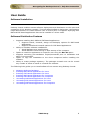
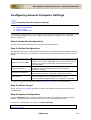
Configuring Security Policies
Configuring Security Policies
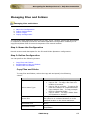
1.
2.
3.
4.
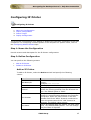
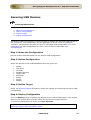
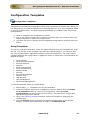
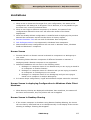
Name the Configuration
Define Configuration
Define Target
Deploy Configuration
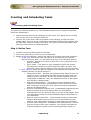
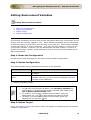
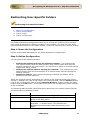
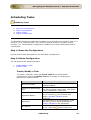
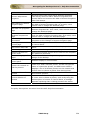
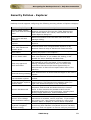
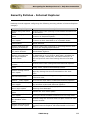
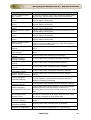
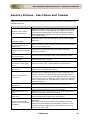
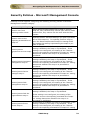
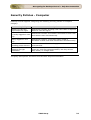
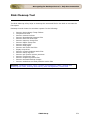
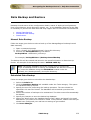
For the computers in the network, the Security Policies are security settings to specify
the security and restrictions. The security settings for preventing users to change file
type association can be defined using Security Policies Configuration.
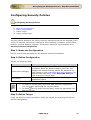
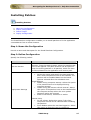
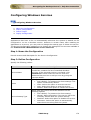
Step 1: Name the Configuration
Provide a name and description for the Security Policies Configuration.
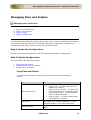
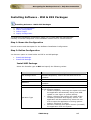
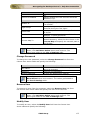
Step 2: Define Configuration
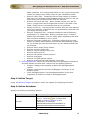
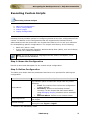
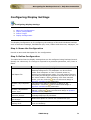
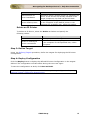
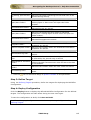
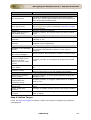
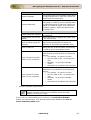
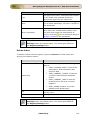
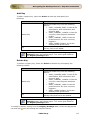
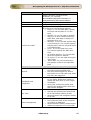
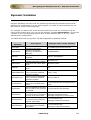
Specify the following values:
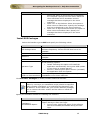
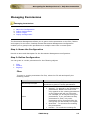
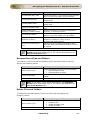
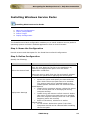
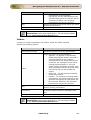
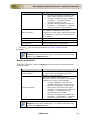
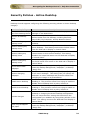
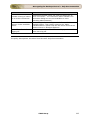
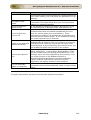
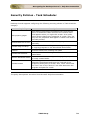
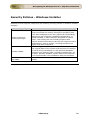
Parameter
Choose Policy Category
Policy Value
Description
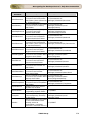
The specific policy area in which the security policy will
be applied. Select the desired category from left. This
displays the relevant security polices. For details on the
each category, refer to Windows Help documentation. For
details on the each policy in the Select the Policy list,
refer to Security Policies topic.
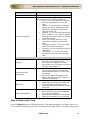
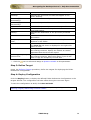
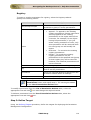
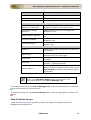
To enable, disable, or to leave it unconfigured, select the
appropriate option.
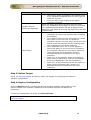
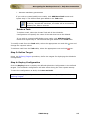
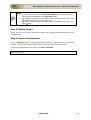
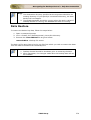
Note:
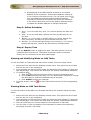
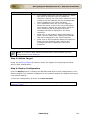
1. To modify a security policy from this table, select the appropriate
row, click icon and change the required values.
2. To delete a security policy from this table, select the appropriate row
icon.
and click
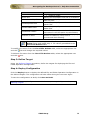
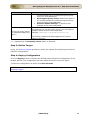
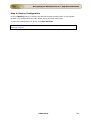
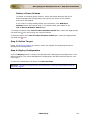
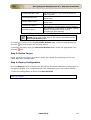
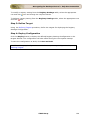
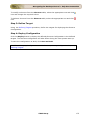
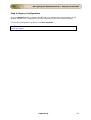
Step 3: Define Target
Using the Defining Targets procedure, define the targets for deploying the Security
Policies Configuration.
ZOHO Corp.
169