1
Editing a Page Definition
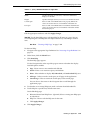
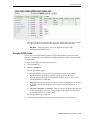
page attributes, regions, buttons, items, page rendering computations, and page
processes.
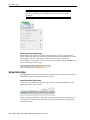
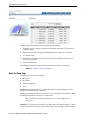
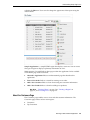
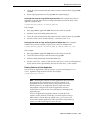
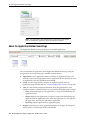
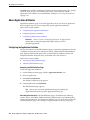
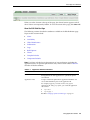
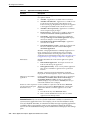
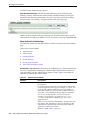
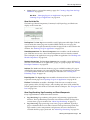
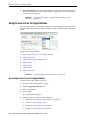
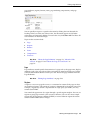
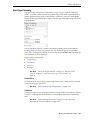
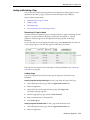
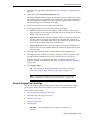
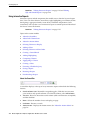
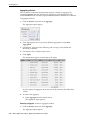
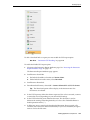
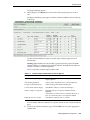
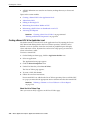
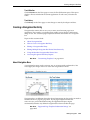
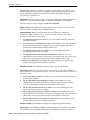
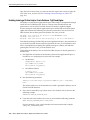
You can quickly navigate to a specific subsection by clicking the icons beneath the
heading. When you select one of these icons, the subsection appears and all other
subsections are temporarily hidden. To restore the view, click Show All. The Show All
icon resembles an inverted triangle.
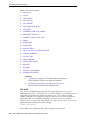
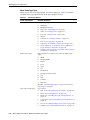
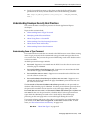
Topics in this section include:
■
Page
■
Regions
■
Buttons
■
Items
■
Computations
■
Processes
See Also: "About the Page Definition" on page 5-1, "About the Edit
All Icon" on page 5-7 and "About the Copy or Create Icons" on
page 5-8
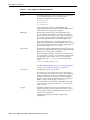
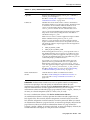
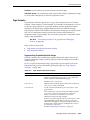
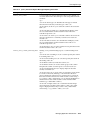
Page
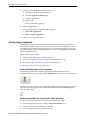
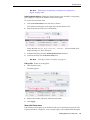
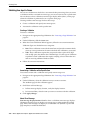
Page attributes control specific characteristics of a page such as the page name, display
attributes such as the page title and the associated page template, header text, and the
selected authorization scheme to name just a few. You access page attributes from the
Page Definition.
See Also:
"Editing Page Attributes" on page 5-23
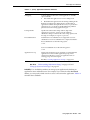
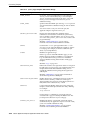
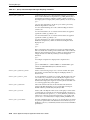
Regions
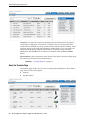
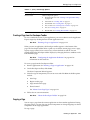
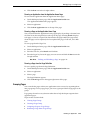
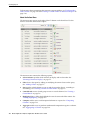
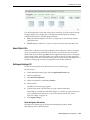
A region is a area on a page that serves as a container for content. Each page can have
any number of regions. The content of a region is determined by the region source. For
example, a region may contain a report based on a SQL query you define, or it may
contain static HTML.
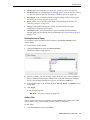
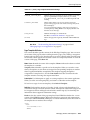
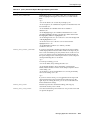
You control the appearance of a region through a specific region template. You can use
regions to group page controls (such as items or buttons). You can also create simple
regions that do not generate additional HTML, or create elaborate regions that frame
content within HTML tables or images.
Working with Application Pages
5-9