1
DC Motor Model
2
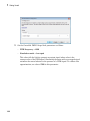
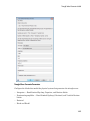
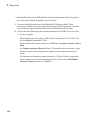
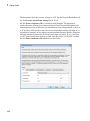
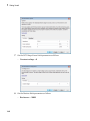
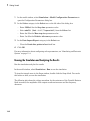
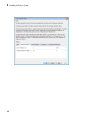
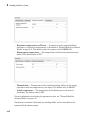
Select ode15s (Stiff/NDF) from the Solver list.
3
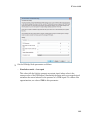
Expand Additional options and enter 1 for the Max step size parameter value.
4
Click OK.
For more information about configuring solver parameters, see “Simulating an Electronic
System” on page 1-14.
Running the Simulation and Analyzing the Results
In this part of the example, you run the simulation and plot the results.
In the model window, select Simulation > Run to run the simulation.
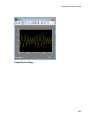
To view the motor current and torque in the Scope windows, double-click the Scope
blocks. You can do this before or after you run the simulation.
1-27