1
Overview of Pipe Supports
Pipe Support Property Sheets
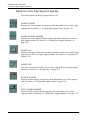
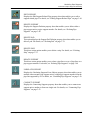
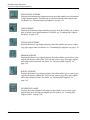
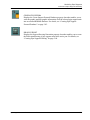
Option List Button
Pipe Support Property Sheets have a feature called the Option List button.
Some fields on the property sheet display a list of valid values for that field. To
access such a list, an option list button is provided next to the option.
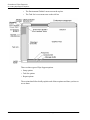
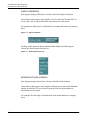
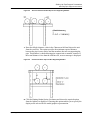
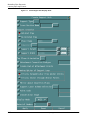
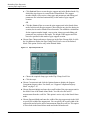
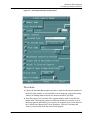
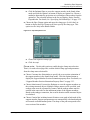
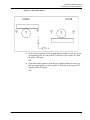
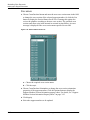
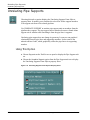
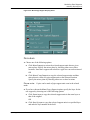
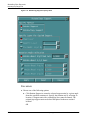
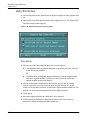
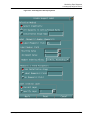
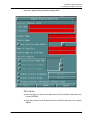
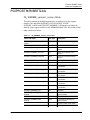
For example the following is an illustration of an option list button in a property
sheet.
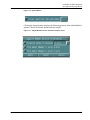
Figure 1-8
Option List Button
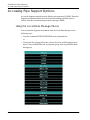
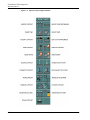
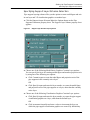
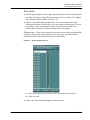
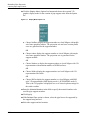
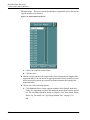
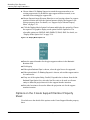
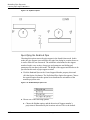
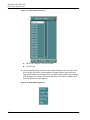
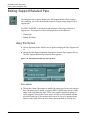
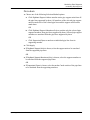
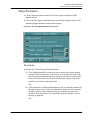
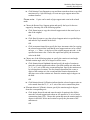
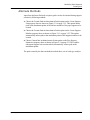
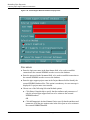
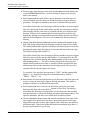
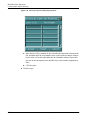
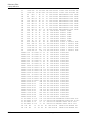
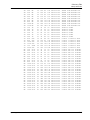
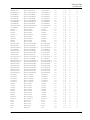
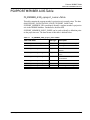
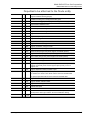
Clicking on the option list button labeled Profile displays the following list.
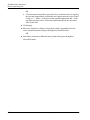
Choose the desired option from the list.
Figure 1-9
Related Pipe Option List
Additional Options Button
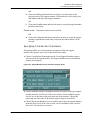
Pipe Support property sheets have a feature called the Options button.
Some fields on the property sheet display another property sheet with additional
options for that field. To access such a property sheet, an options button is
provided next to the option.
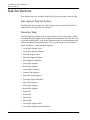
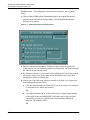
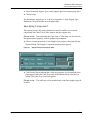
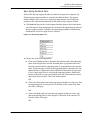
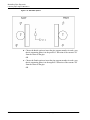
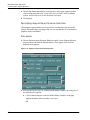
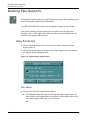
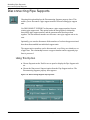
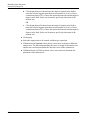
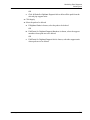
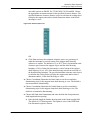
For example, the following is an illustration of an options button in a property
sheet:
1-18
Pipe Supports User Guide and Menu Reference