1
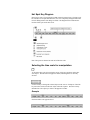
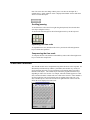
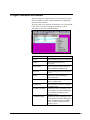
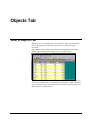
The calendar module's functionality is available throughout the system. The
capabilities described in this next section are universal and apply in most cases
wherever this object appears.
Manipulating the Calendar Object
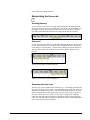
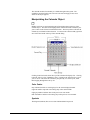
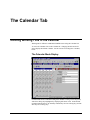
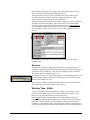
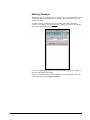
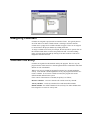
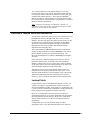
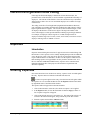
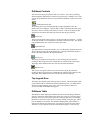
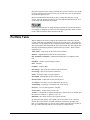
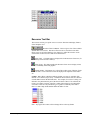
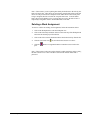
Months and Years are navigated using the left and right pointers at the top of the
calendar object. The outer left and right pointers will increment the calendar by one
year at a time in the forward or backward direction. The inner pointers will alter the
calendar by one Month in either direction. To return to the current month, right click
once in the blue header at the top of the calendar dialog.
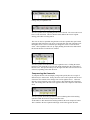
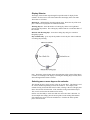
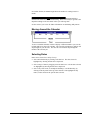
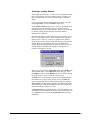
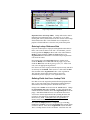
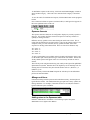
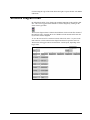
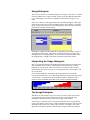
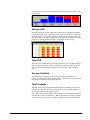
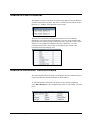
Clicking in the blue header bar at the top of the calendar will display a list. Clicking
to the left will give a list of Months to select. Clicking to the right will give a list of
years to select. This allow the calendar to jump directly to a selected year, rather
than stepping through them one by one.
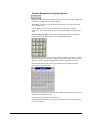
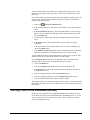
Color Codes
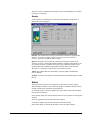
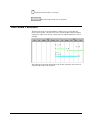
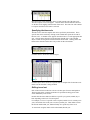
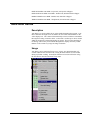
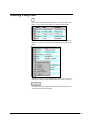
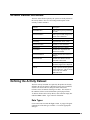
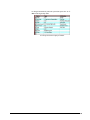
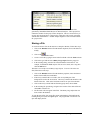
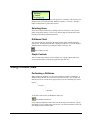
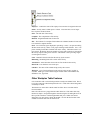
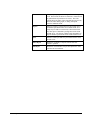
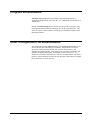
Days indicated in black are working days for the current displayed month.
Light red numbers represent non working days in the current month.
Light gray numbers indicate dates in the previous or next month.
Dark red numbers indicate non working days in the previous or next month.
Symbols
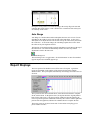
The diagonal (markout) lines across a date indicated that it has passed.
AMS REALTIME 5.2 Addendum
REALTIME Resource 5.2 • 23