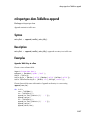
1
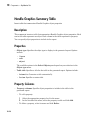
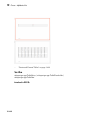
List
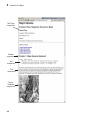
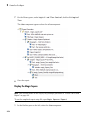
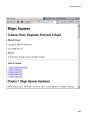
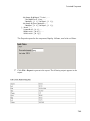
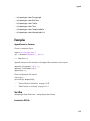
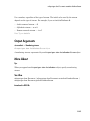
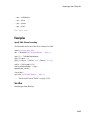
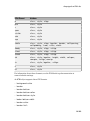
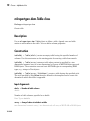
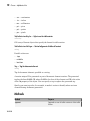
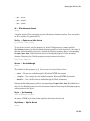
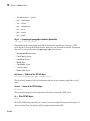
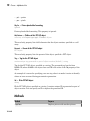
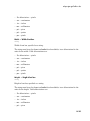
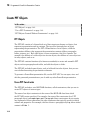
• red
• green
• blue
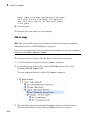
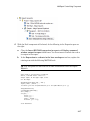
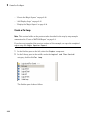
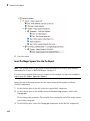
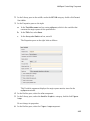
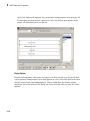
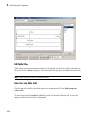
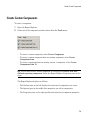
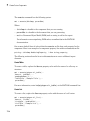
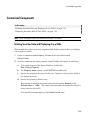
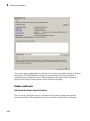
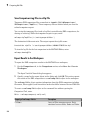
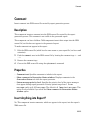
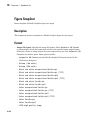
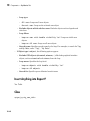
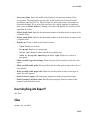
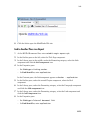
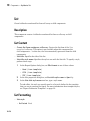
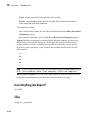
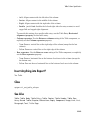
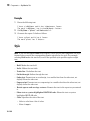
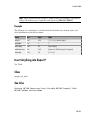
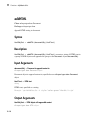
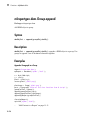
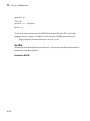
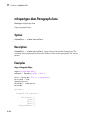
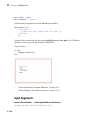
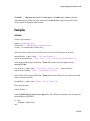
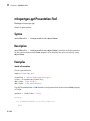
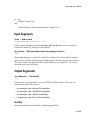
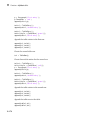
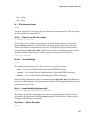
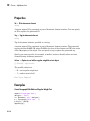
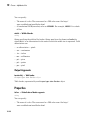
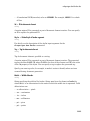
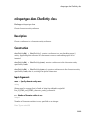
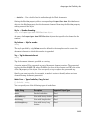
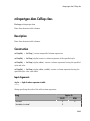
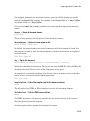
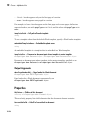
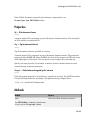
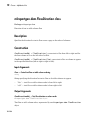
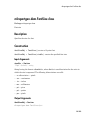
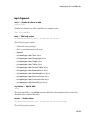
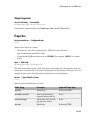
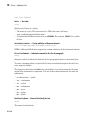
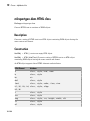
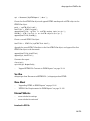
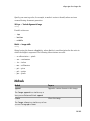
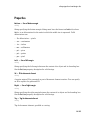
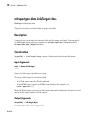
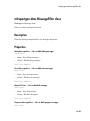
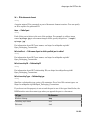
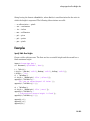
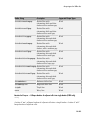
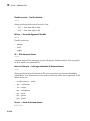
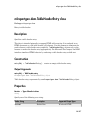
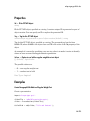
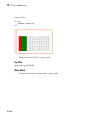
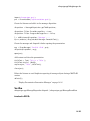
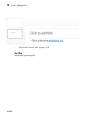
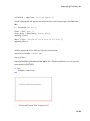
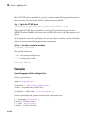
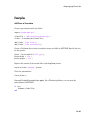
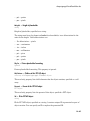
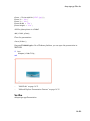
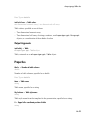
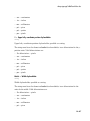
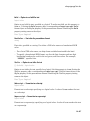
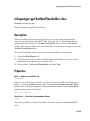
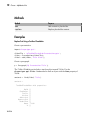
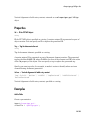
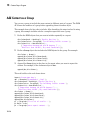
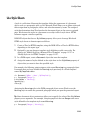
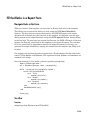
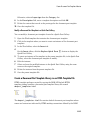
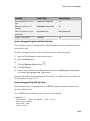
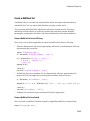
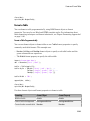
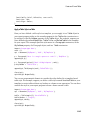
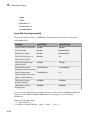
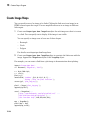
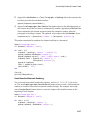
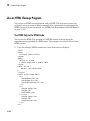
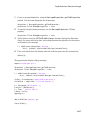
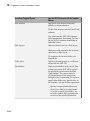
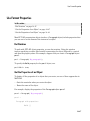
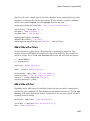
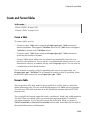
Use the following report setup file:
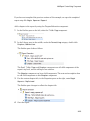
[-] Report - Unnamed.rpt
[-] Bulleted list from child components
[ ] Text - red
[ ] Text - green
[ ] Text - blue
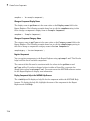
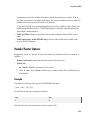
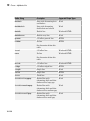
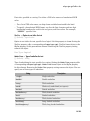
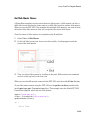
Creating a List Using a Cell Array
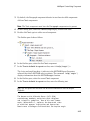
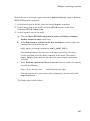
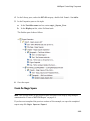
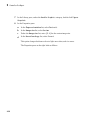
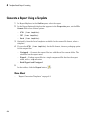
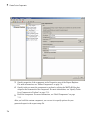
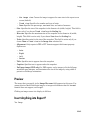
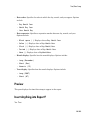
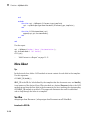
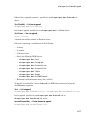
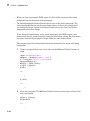
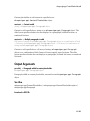
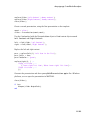
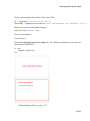
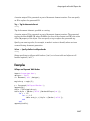
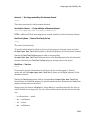
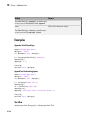
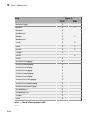
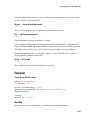
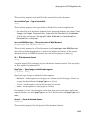
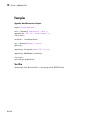
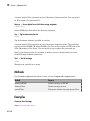
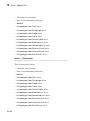
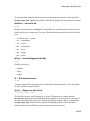
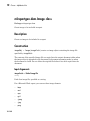
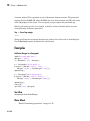
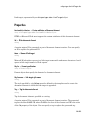
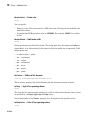
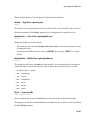
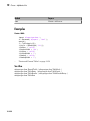
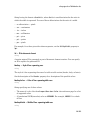
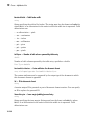
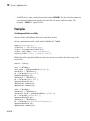
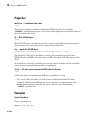
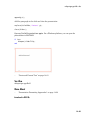
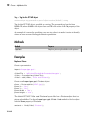
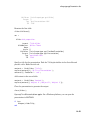
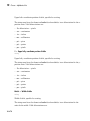
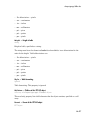
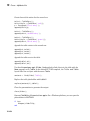
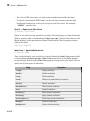
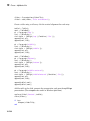
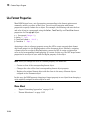
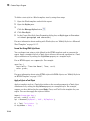
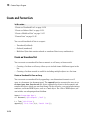
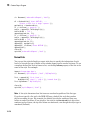
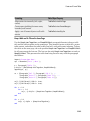
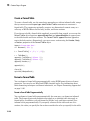
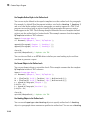
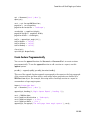
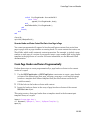
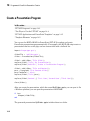
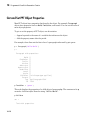
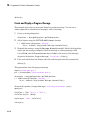
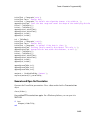
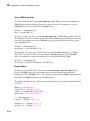
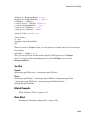
To generate the same bulleted list as in the previous example, configure a report setup
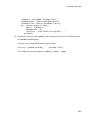
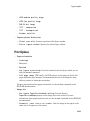
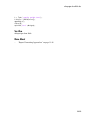
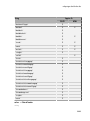
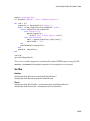
file to call a cell array, colors:
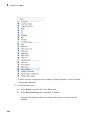
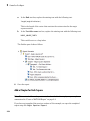
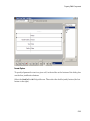
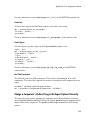
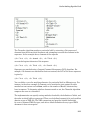
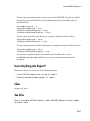
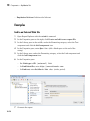
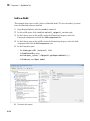
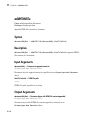
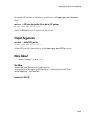
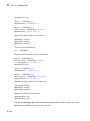
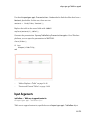
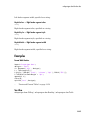
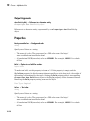
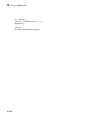
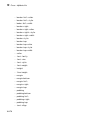
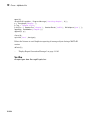
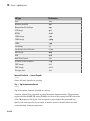
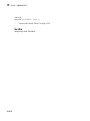
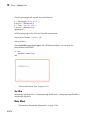
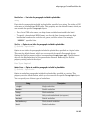
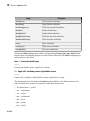
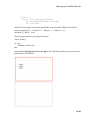
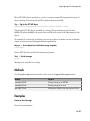
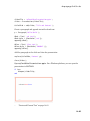
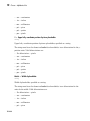
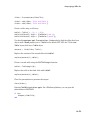
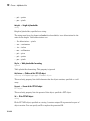
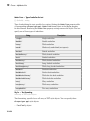
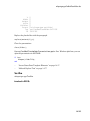
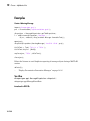
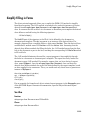
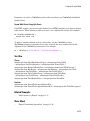
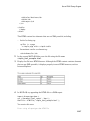
[-] Report - Unnamed.rpt
[-] Bulleted list from cell array called colors
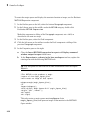
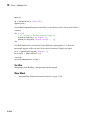
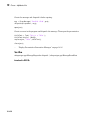
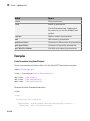
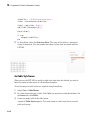
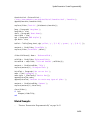
Wherecolors is:
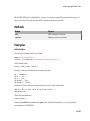
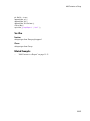
colors={'red','green','blue'}
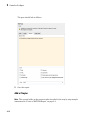
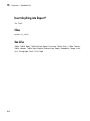
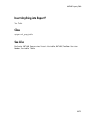
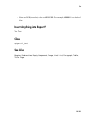
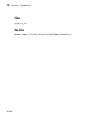
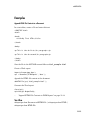
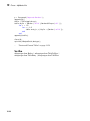
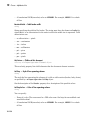
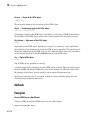
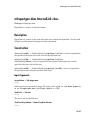
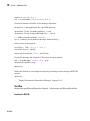
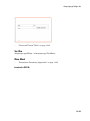
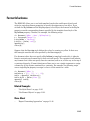
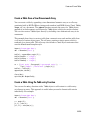
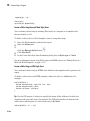
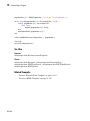
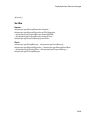
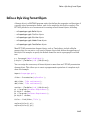
Insert Anything into Report?
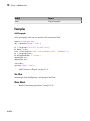
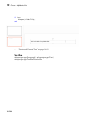
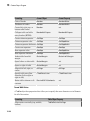
Yes. List.
Class
rptgen.cfr_list
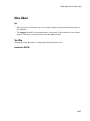
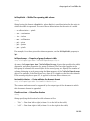
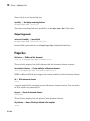
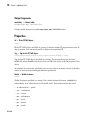
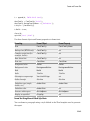
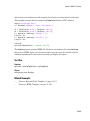
See Also
Chapter/Subsection, Empty Component, Link, Paragraph, Table, Text, Title
Page
10-61