1
279
IBM SPSS Data Collection Interviewer Server User’s Guide
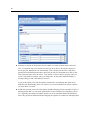
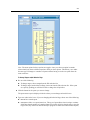
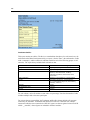
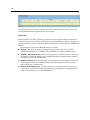
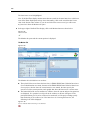
Because the Monitor tab is refreshed only when the interviewer navigates to another question, you
cannot see the answer to the current question as it is being entered by the interviewer. However,
the answer (if any) to the previous question is displayed, as is the answer to the current question if
it was asked earlier in the interview.
You can pause monitoring, for example, if you need more time to read a text response. When you
resume monitoring, and if the interview is still in progress, your screen will refresh to show the
current question being asked. You cannot choose which questions to view.
Note: You can monitor interviewers even when the interviewer selects No for the Contact agrees
to be monitored and recorded option in Phone Participants. This setting controls when the
interview should not be monitored by external parties, not when the interview can be reviewed
by a supervisor.
Audio Monitoring
If an interviewer is using an autodialer to make calls, and your station is connected to the same
autodialer, you can listen to the interview as well as watch it. You will hear both the interviewer
and the participant.
Note: Depending on the settings for the project that you are monitoring, interviews might also be
recorded and saved to sound files. For more information, see Autodialer Settings.
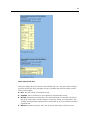
Selecting an Interviewer to Monitor
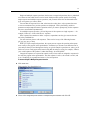
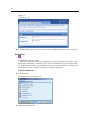
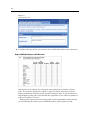
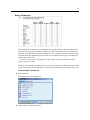
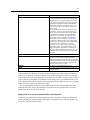
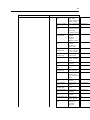
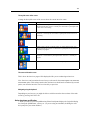
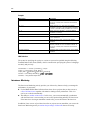
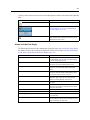
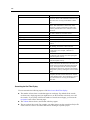
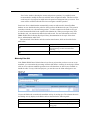
In the Interviewers Real Time display, an icon is displayed to the left of each interviewer to
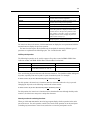
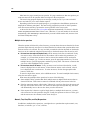
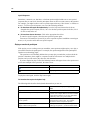
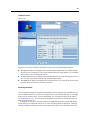
indicate whether monitoring is possible. Each icon is described in the following table:
Icon
Description
Both visual and audio monitoring are possible.
No icon displayed
Only visual monitoring is possible.
Another supervisor is monitoring this interviewer.
Either the participant did not give his or her consent
to be monitored, or the project settings specify that
monitoring is never allowed. However, as local laws
sometimes allow monitoring by someone within the
same legal entity as the interviewer (for example,
a supervisor who works for the same organization
as the interviewer), monitoring is still possible.
In addition, this icon will also be displayed if the
interviewer is reviewing an interview.
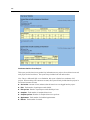
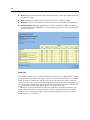
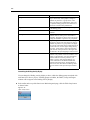
The Monitoring Allowed column in the Real Time display will also tell you if an interviewer
can be monitored. If the Monitoring Allowed column is not shown, you can add it. For more
information, see the topic Customizing the Real Time Display on p. 276.
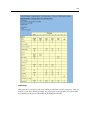
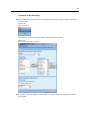
To Select an Interviewer to Monitor
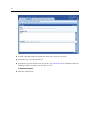
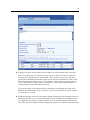
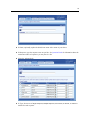
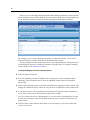
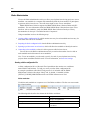
E In the Interviewers Real Time display, click on the record of an interviewer who can be monitored.