1
195
Examples
Luminance Blur - controls how much effect Luminance Match
has on the new texture.
Matte_Component - defines which component to extract from
the Matte input.
• Luminance - extract a single channel based on the luminance.
• Inverted Luminance - extract a single channel based on
the inverted luminance.
• Alpha - extract the alpha channel.
• Inverted Alpha - extract the inverse of the alpha channel.
Examples
All the images for the following examples can be downloaded
from our web site. For more information, please see the Example Images section on page 17.
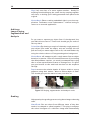
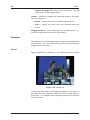
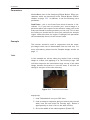
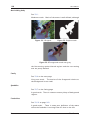
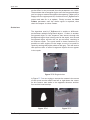
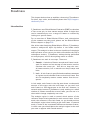
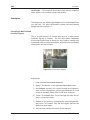
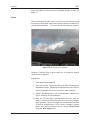
Hedge
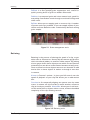
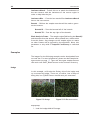
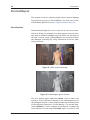
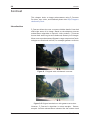
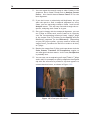
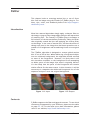
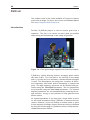
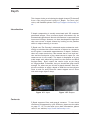
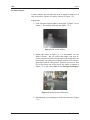
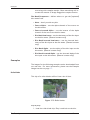
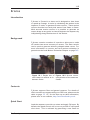
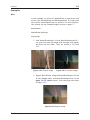
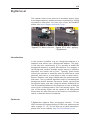
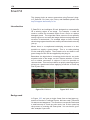
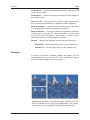
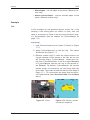
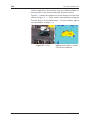
In this example, we have shot of a hedge and we wish to extend
the hedge upwards to fill the upper part of the frame.
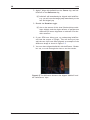
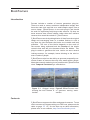
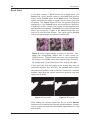
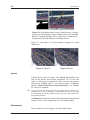
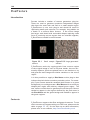
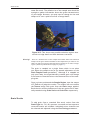
Figure 33.1 Hedge.
Step by Step
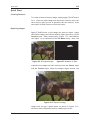
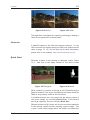
1. Load hedge.####.tif then make a copy of it, and pan the
copied image upwards so that the hedge is positioned
over the background we wish to fill.
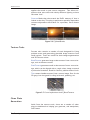
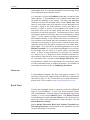
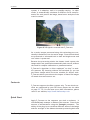
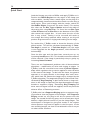
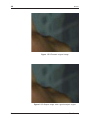
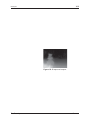
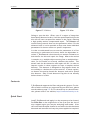
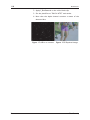
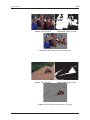
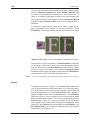
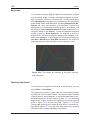
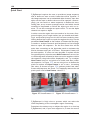
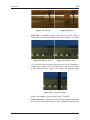
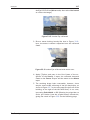
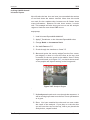
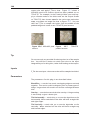
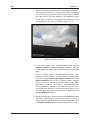
2. Create a matte that covers the area we wish to fill, as in
Figure 33.2 on the following page.
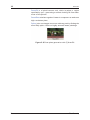
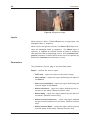
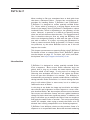
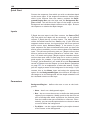
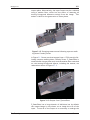
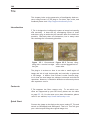
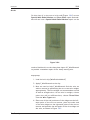
3. Load F_Splicer and connect the original clip into Source
1, the panned clip into Source 2 and the matte you
have made into the Matte. An example result is shown
The Foundry
Furnace