1
ANALYZING FRAME SEQUENCES
Analysing and Matching Frame Sequences
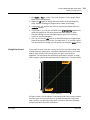
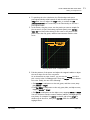
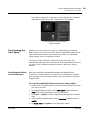
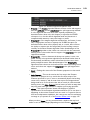
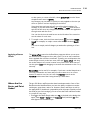
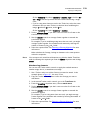
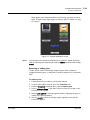
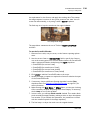
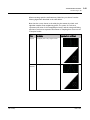
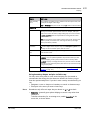
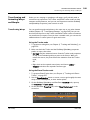
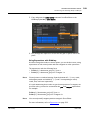
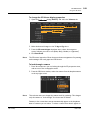
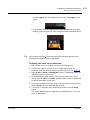
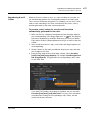
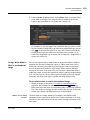
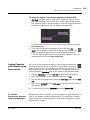
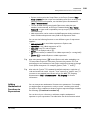
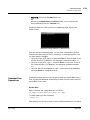
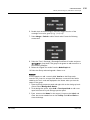
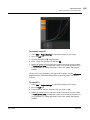
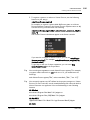
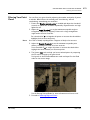
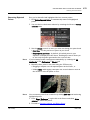
animated over time. To see the animation curve, right-click on an input
field and select Curve editor....
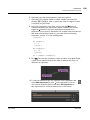
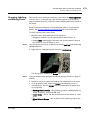
Once Nuke has created the animation curve, you can copy the animation or
any of its values into another node to match that node’s effect with the
brightest or darkest pixels in the frame sequence. Ctrl/Cmd+click on the
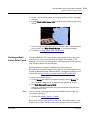
animation button and drag and drop it to another parameter to create an
expression linking the two.
The Foundry
Nuke 7.0v1
348