1
Simulation
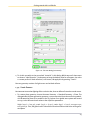
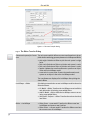
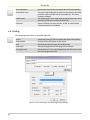
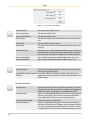
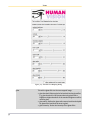
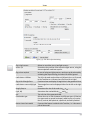
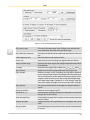
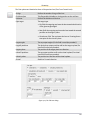
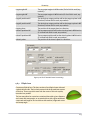
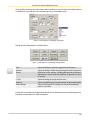
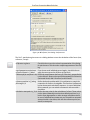
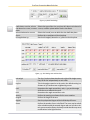
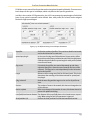
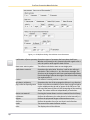
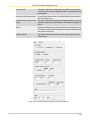
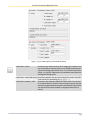
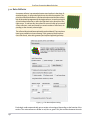
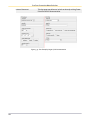
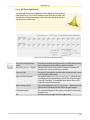
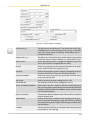
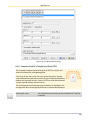
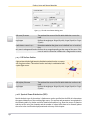
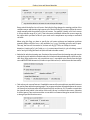
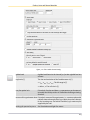
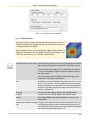
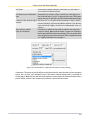
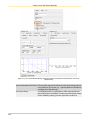
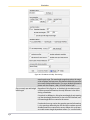
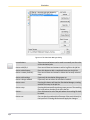
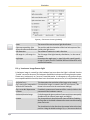
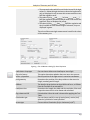
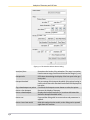
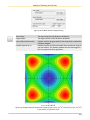
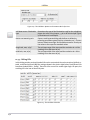
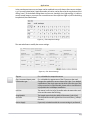
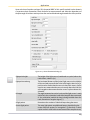
Figure 8.8: The Luminance Image Sensor Light Dialog
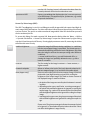
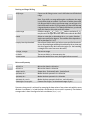
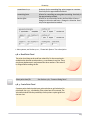
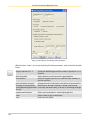
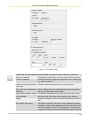
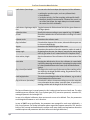
-z direction. This direction can be specified either in cartesian or
polar coordinates.
In case of using a panorama, its range is set relative to the view
position and direction.
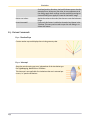
up direction
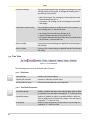
Determines the orientation of the y-axis of the just specified axis/viewing system.
projection setting
With these parameters the field of view can be set to either perspectively or orthogonal form.
view extents
The view extents determines the size of the visible area the camera
looks at. This is analogous to the field of view used in the luminance camera. (Please see also the buttons below in this table.)
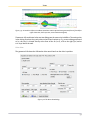
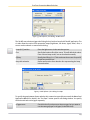
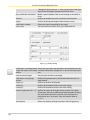
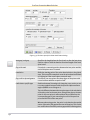
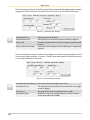
button: from/set view
Pressing these two buttons allow to directly exchange the camera
parameters with the GeoView. At first one should modify the
243