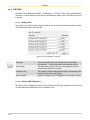
1
Views
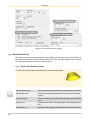
If the text view contains a script file, it is also addressed as "ScriptView". A script is executable
within LucidStudio, and therefore differs from the text representation of your experiment displayed
in the text view.
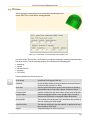
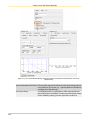
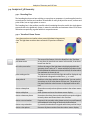
3.4. UV View
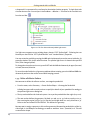
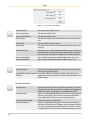
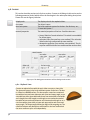
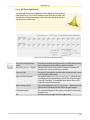
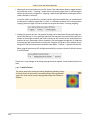
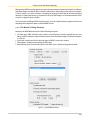
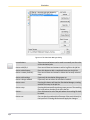
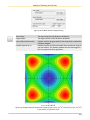
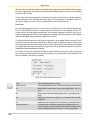
When you are using the UVDataView, also the usual Edit menu is replaced with the UVEdit menu.
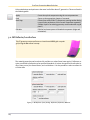
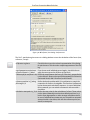
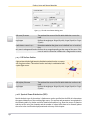
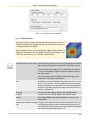
Here two further options for exporting the results are available: Copy Metafile and Copy Bitmap.
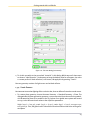
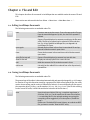
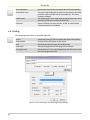
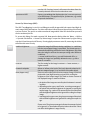
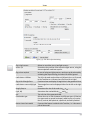
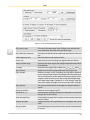
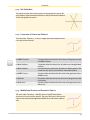
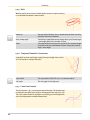
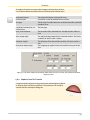
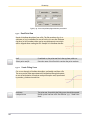
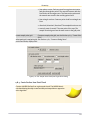
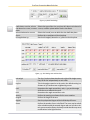
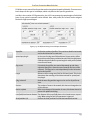
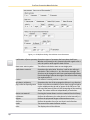
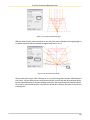
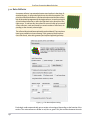
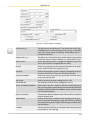
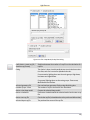
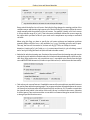
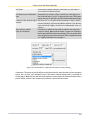
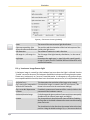
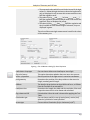
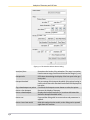
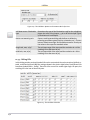
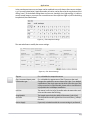
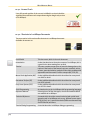
Figure 3.9: UV Data View Menu
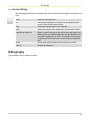
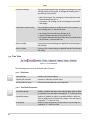
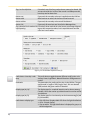
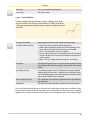
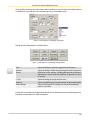
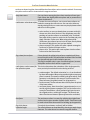
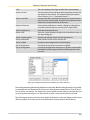
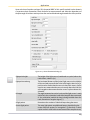
The following menu entries are available under UVView:
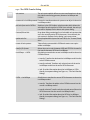
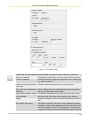
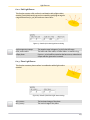
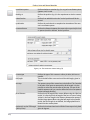
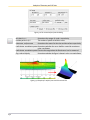
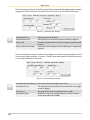
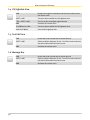
3.4.1. General Commands
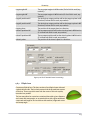
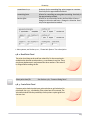
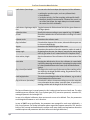
Info
Shows information concerning the UV data, e.g. range, minima
and maxima. The information is plotted in the message box.
restore from Simulation Result If pressed the original result from the simulation is restored, so
all changes are discarded (like e.g. filtering).
Re-frame
Re-frames the value range to the default range after zoom etc.
Re-frame Selected
Re-frames the value range to the default range after zoom etc.
fit view
Sets the size of the view frame to the ratio of the value rectangle
(minimizes the size of the view frame while still showing all of
the data).
Duplicate View
Duplicates the view currently selected in focus.
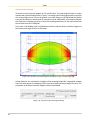
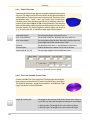
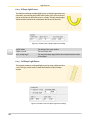
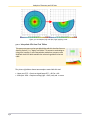
Polar View
Toggles the display type of LID data between "standard" (the
default) or "polar". Polar views are especially suitable for Z-type
LID data.
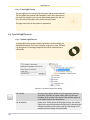
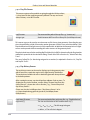
Candela
Shows units and axis annotation text for candela.
Cd → Lux on 25m
Shows units and axis annotation text for lux on a R=25m sphere.
Cd → Lux on 10m
Shows units and axis annotation text for lux on a R=10m sphere.
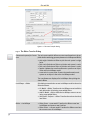
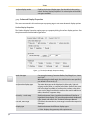
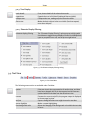
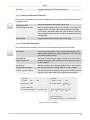
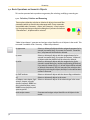
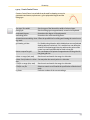
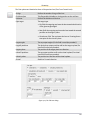
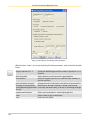
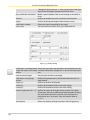
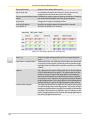
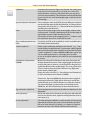
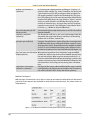
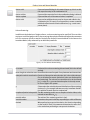
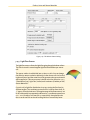
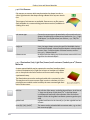
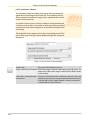
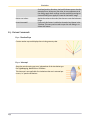
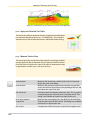
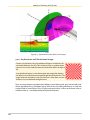
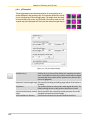
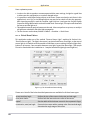
3.4.2. Color Scaling and Scene Lines
48
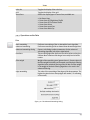
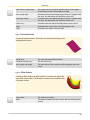
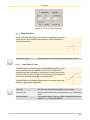
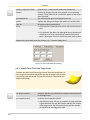
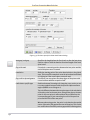
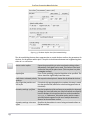
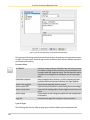
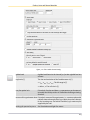
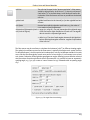
all same max/min
All UV data objects of all data views get the same UV value range.
The range is taken from the current setting in the data view in
focus.
linear/log scale
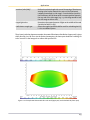
Toggles between a linear and a logarithmic color mapping.
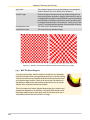
false gray/false color
Toggles between a gray or false color value display.
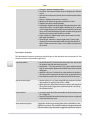
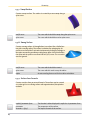
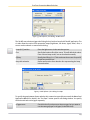
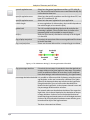
only ISO Lines
Toggles between the display types of iso lines (on/off).
isotropic view
Toggles the isotropic view on/off. In an isotropic view the ratio
of the display rectangle is the same as the value rectangle.
ISO lines
Toggles iso lines on/off.