1
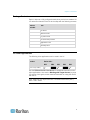
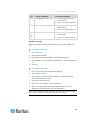
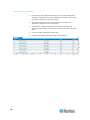
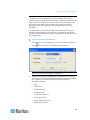
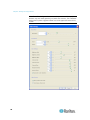
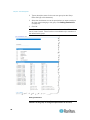
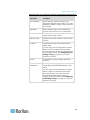
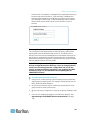
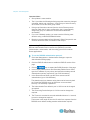
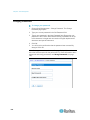
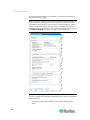
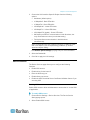
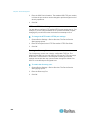
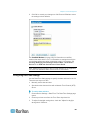
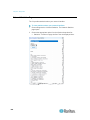
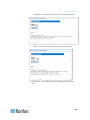
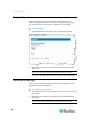
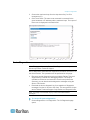
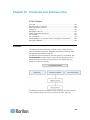
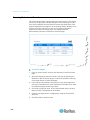
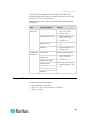
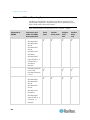
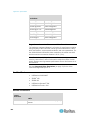
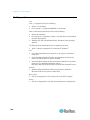
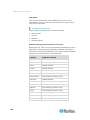
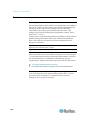
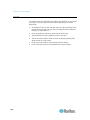
Chapter 5: User Management User Group List User groups are used with local and remote authentication (via RADIUS or LDAP/LDAPS). It is a good idea to define user groups before creating individual users since, when you add a user, you must assign that user to an existing user group. The User Group List page displays a list of all user groups, which can be sorted in ascending or descending order by clicking on the Group Name column heading. From the User Group List page, you can also add, modify, or delete user groups. To list the user groups: Choose User Management > User Group List. The User Group List page opens. Relationship Between Users and Groups Users belong to a group and groups have privileges. Organizing the various users of your LX into groups saves time by allowing you to manage permissions for all users in a group at once, instead of managing permissions on a user-by-user basis. You may also choose not to associate specific users with groups. In this case, you can classify the user as “Individual.” Upon successful authentication, the device uses group information to determine the user's permissions, such as which server ports are accessible, whether rebooting the device is allowed, and other features. Adding a New User Group To add a new user group: 1. Select User Management > Add New User Group or click Add on the User Group List page. 95