1
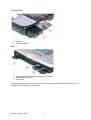
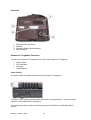
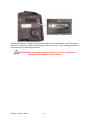
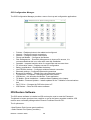
Underside
1.
2.
3.
4.
Replicator Port and Cover
Speaker
Operating System Serial Number
Serial Number
Panasonic Toughbook Functions
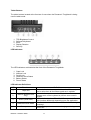
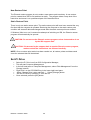
The following functions are located on the front of the Panasonic Toughbook:
•
•
•
•
Power Switch
LED Indicators
Lid Latch
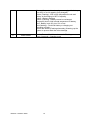
Tablet Buttons
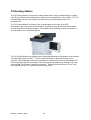
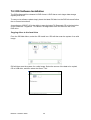
Power Switch
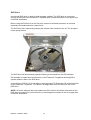
The power switch is located at the front of the Panasonic Toughbook.
To switch on IDS, slide the power switch and hold it for approximately 1 second, until the
indicator is illuminated before releasing it.
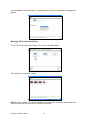
The laptop will power up and will automatically open the 'Welcome to IDS Main Menu'
screen.
Release 1.0 March 2006
10