1
Basic control principles
Switching job computer on and off
5
Basic control principles
5.1
Switching job computer on and off
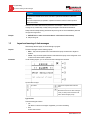
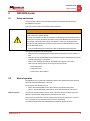
Procedure
5
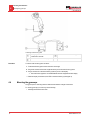
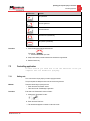
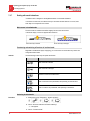
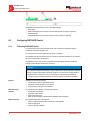
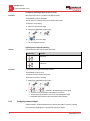
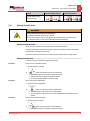
You can switch on the job computer as follows:
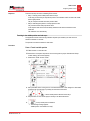
1. Provide job computer with power. The possibilities for this are as follows:
a) For ISOBUS tractors: Switch on with the ignition key.
b) For non-ISOBUS tractors: Switch on the display.
c) When you use an ECO display: Switch on the display.
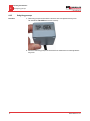
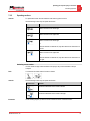
2. The LED on the multi-function joystick begins to light up.
⇨ You have switched on the job computer.
Procedure
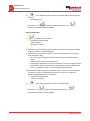
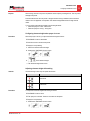
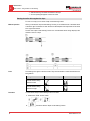
You can switch off the job computer as follows:
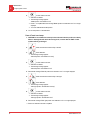
1. Cut power to the job computer. The possibilities for this are as follows:
a) For ISOBUS tractors: Switch off the tractor with the ignition key.
b) For non-ISOBUS tractors: Switch off the display.
c) For all tractors: Pull cable between the tractor and the sprayer from the jack.
d) When you are using an ECO display: Switch off the display.
2. Wait until the LED on the multi-function joystick goes out.
5.2
⇨ You have switched off the job computer.
Initial start-up
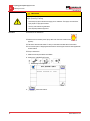
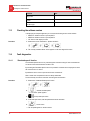
Once the job computer is fitted, installed and connected to the display, you can start it up for the first
time.
Procedure
1.
2.
- Switch on the display.
⇨ The job computer will be switched on together with the display.
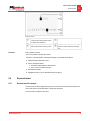
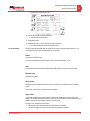
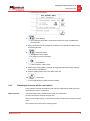
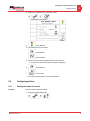
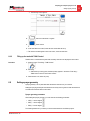
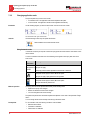
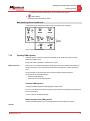
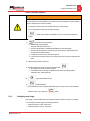
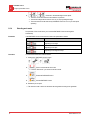
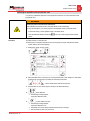
- Bring up the "Selection Menu" application.
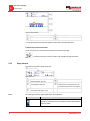
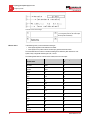
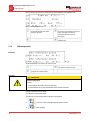
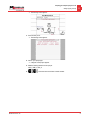
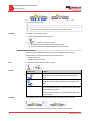
⇨ The following screen appears:
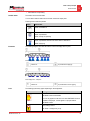
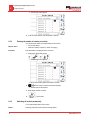
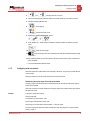
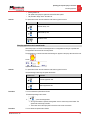
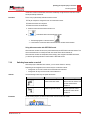
⇨ The job computer will be loaded by the display. You will see the progress display next to the
Job Computer Sprayer application icon.
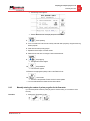
⇨ The job computer has been started once the name of the job computer appears next to the
sprayer symbol.
Mueller Electronics, Inc.
21