1
Assembly and operating instructions
AKOvisc 410-001
page24
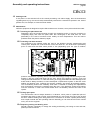
15.3.2 Measurement and control system
15.3.2.1 Starting the system up
Switch on the mains switch on the front of the processing unit. The entire
plan is started by the automatic Start/Stop unit.
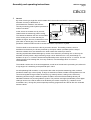
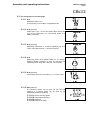
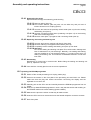
15.3.2.2 Display
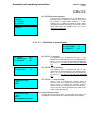
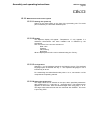
The adjacent display will appear. ‘Temperature °C’ only appears if a
resistance thermometer has been installed and is released by the
programme.
The ‘xxxxxxxxxx’ line concerns selection of
Date / time
Pressure
Valve setting
No display
What is displayed in this line can be selected using the ‘F2’ key.
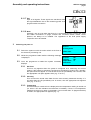
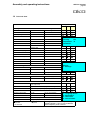
15.3.2.3 Configuration
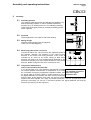
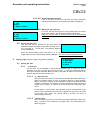
Selecting ‘1’ on the keyboard results in the following screen. The preferred
language option is selected with key ‘1’. The respective language in use is
indicated by an arrow.
For customising the values listed under points ‘2’ to ‘4’, see section 4 of the
comprehensive operating manual.
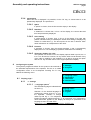
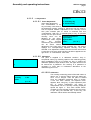
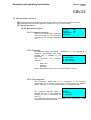
15.3.2.4 Setting the target value
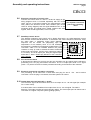
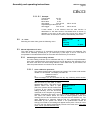
The target value can be entered on the spot, within specified parameters.
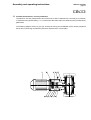
After pressing key ‘F1’, select key ‘2 - set target value’. The adjacent menu
appears on the screen. Enter the desired target value using keys ‘1’ to ‘9’.
The target value entered must then be confirmed with ‘ENTER’. The menu
is quit using ‘ESC’.