1
Chapter 3 Web Configurator Basics
• Unicode is supported for share names, although your FTP client must support
UTF-8. Full support should be available in all Windows versions after Windows
2000.
3.4.7 Application Zone
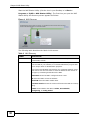
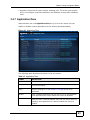
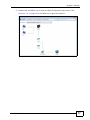
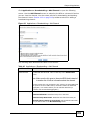
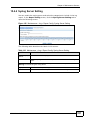
Administrators can click Application Zone to go to a screen where you can
enable or disable various applications for file sharing and downloading.
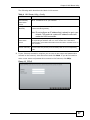
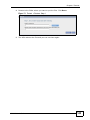
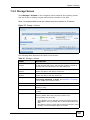
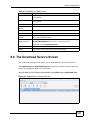
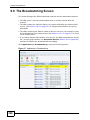
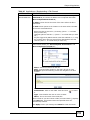
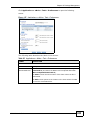
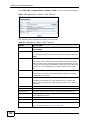
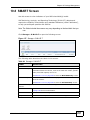
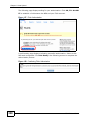
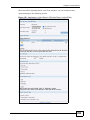
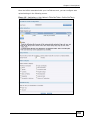
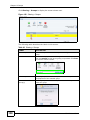
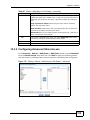
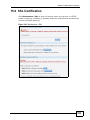
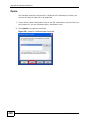
Figure 49 Application Zone
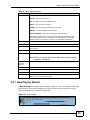
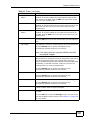
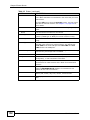
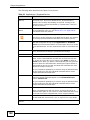
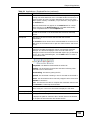
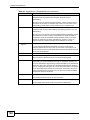
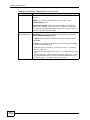
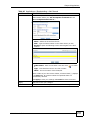
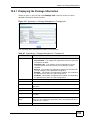
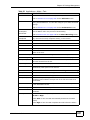
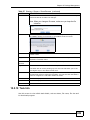
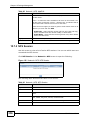
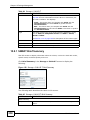
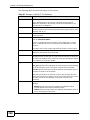
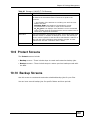
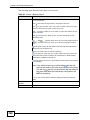
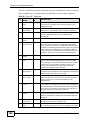
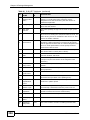
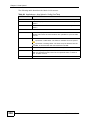
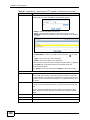
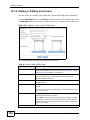
The following table describes the labels in the this screen.
Table 12 Application Zone
LABEL
DESCRIPTION
Name
This is the name of the application.
Description
This is a brief description of the application. See Chapter 9 on page 185
for more information.
Management
Page
Click this link to go the application’s management page where you can
configure settings for it. See Chapter 9 on page 185 for more
information.
Enable
Select a disabled application and click this to turn on the application.
Some applications are always enabled and cannot be disabled.
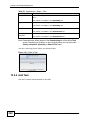
Disable
Select an enabled application and click this to turn off the application.
Select the Flickr or Youtube Uploadr entry and click this to cancel all
uploading. Some applications are always enabled and cannot be
disabled.
NSA320 User’s Guide
63