1
Input channels
1.
2.
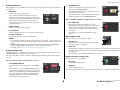
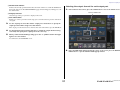
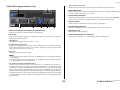
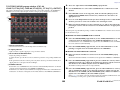
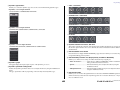
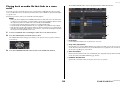
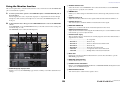
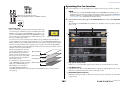
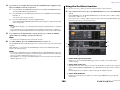
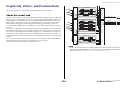
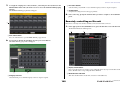
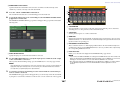
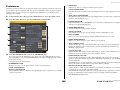
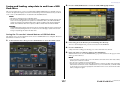
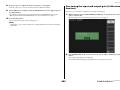
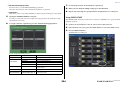
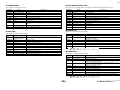
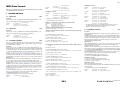
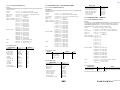
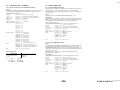
TO STEREO/MONO popup window (8ch)
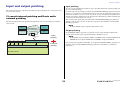
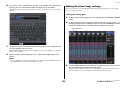
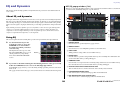
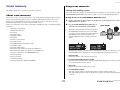
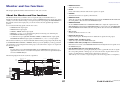
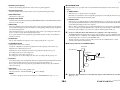
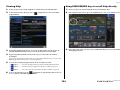
Make sure that an input source is connected to the input channel you are adjusting.
Set the phantom power, gain, and phase of the head amp to obtain the optimum
input signal.
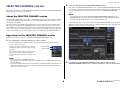
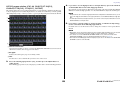
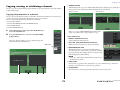
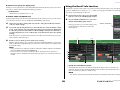
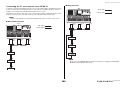
Here you can control the on/off and pan/balance settings of signals sent from input channels to the
STEREO (L/R) bus and MONO (C) bus, in groups of eight channels.
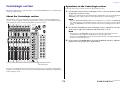
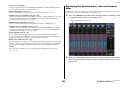
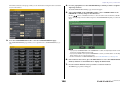
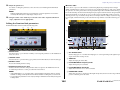
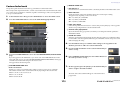
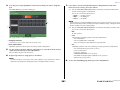
Use the Bank Select keys in the Centralogic section to access the OVERVIEW screen
that includes the input channel from which you want to send the signal to the
STEREO/MONO bus.
1
2
3
4
5
6
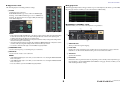
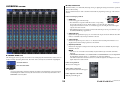
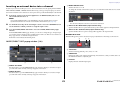
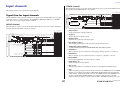
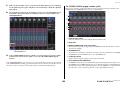
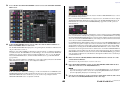
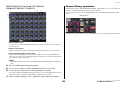
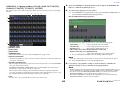
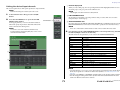
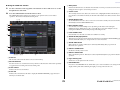
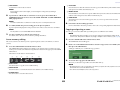
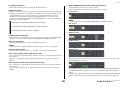
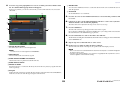
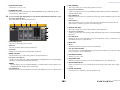
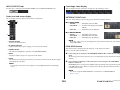
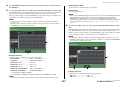
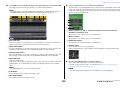
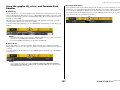
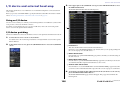
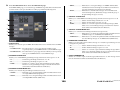
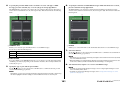
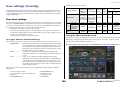
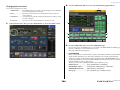
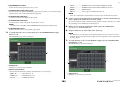
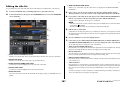
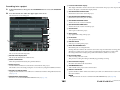
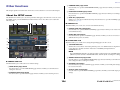
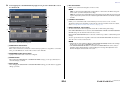
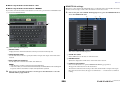
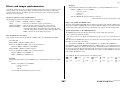
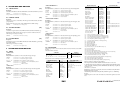
1 Channel select button
Selects the channel. You can select multiple channels simultaneously.
2 Mode LEDs
3 MODE (ST/MONO/LCR mode select) button
Press this button repeatedly to toggle between ST/MONO and LCR. The LED of the currentlyselected mode will light.
4 ST/MONO buttons
STEREO/MONO field
3.
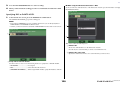
These buttons are individual on/off switches for signals sent from each channel to the STEREO
bus/MONO bus when the MONO button is set to ST/MONO mode.
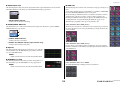
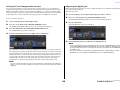
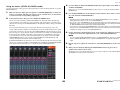
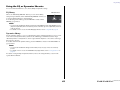
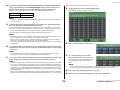
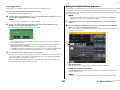
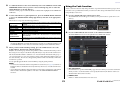
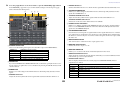
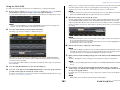
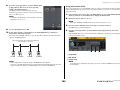
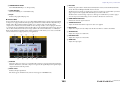
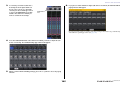
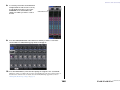
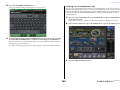
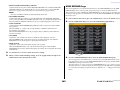
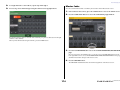
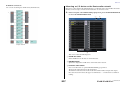
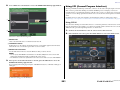
In the STEREO/MONO field, press a knob to select the channel you want to adjust,
and then press the knob once again to access the TO STEREO/MONO popup
window.
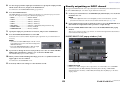
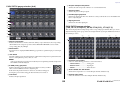
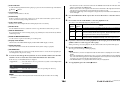
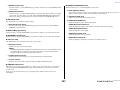
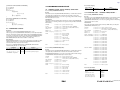
5 Σ clipping indicator
Lights to indicate a signal is clipping at some point in the channel.
6 TO ST PAN/TO ST BALANCE knob
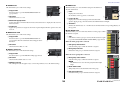
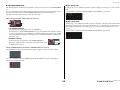
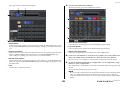
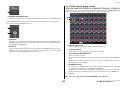
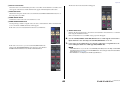
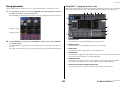
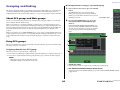
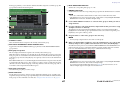
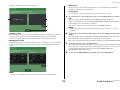
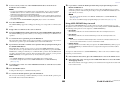
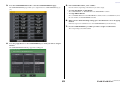
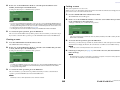
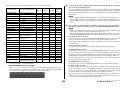
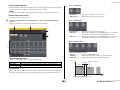
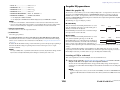
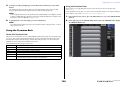
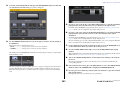
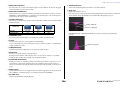
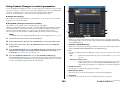
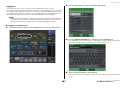
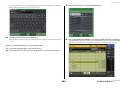
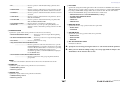
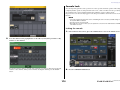
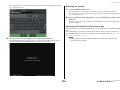
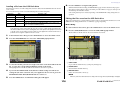
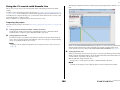
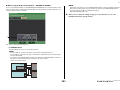
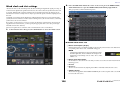
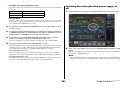
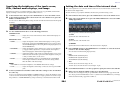
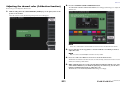
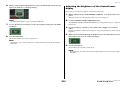
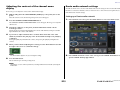
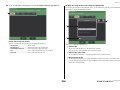
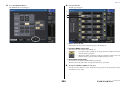
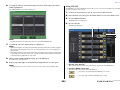
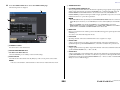
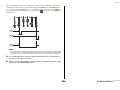
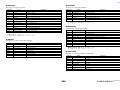
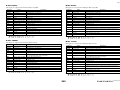
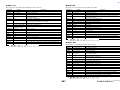
In the TO STEREO/MONO popup window you can control signals that is sent from an input channel
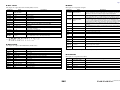
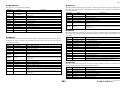
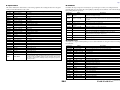
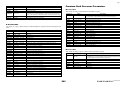
to the STEREO/MONO bus. This popup window features four views. Use the tabs near the bottom of
the window to select one of the four views. Each window view includes the following items.
For MONO channels, this acts as a PAN knob that adjusts the left/right panning of signals sent to
the STEREO bus. For STEREO channels, this acts as a PAN knob, and also as a BALANCE knob
that adjusts the volume of the left and right signals sent to the STEREO bus. To adjust the value,
press the knob to select it, and then operate the corresponding multifunction knob.
36
Reference Manual