1
iTherm® 280 Programmer’s Guide
Programming Codes
Double-Byte and Multi-Byte Code Page Description
Files
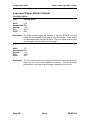
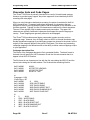
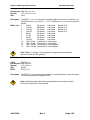
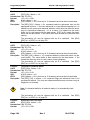
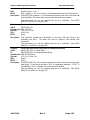
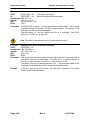
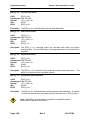
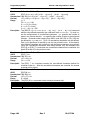
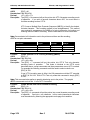
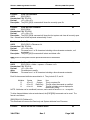
In ASCII mode the iTherm® 280 Printer supports double byte code pages. Currently
there are 4 double-byte codepages available and one multi-byte.
Double Byte code pages available are: Code page 932, 936, 949 and 950
Multi-byte code page available are GB18030-2000.
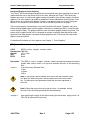
These code pages require an appropriate Unicode font be loaded that support all the
characters in the requested code page.
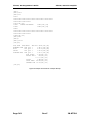
Due to the large number of characters in these code pages. These files are not
supported in a customer definable ASCII form like the Code page descriptions files
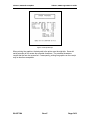
described above. They are compiled and compressed into a 2 or 3 file code description
set. One file is like the Code page description file in that it may be referenced just like
the normal code page description files. The other two files are double byte and multibyte decode files and are referenced in the master code page description. These files
not distributed with the standard printer but are available from Transact upon request.
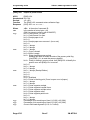
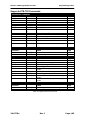
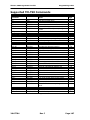
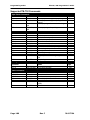
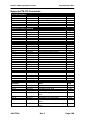
Code page selection
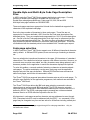
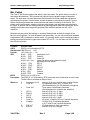
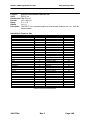
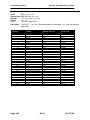
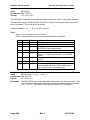
In ASCII mode the iTherm® 280 Printer supports over 40 different international character
sets by default. In IBM and EPOS printers, there are two ways of selecting a character
set.
One way substitute’s international characters in the upper 128 characters of a standard
character set. The substitution technique supports a few different countries. However, as
more and more countries were added, too many characters were being replaced, and it
became a problem for the application to match the characters displayed and printed.
To solve this problem, a second method of selecting a character set was developed –
code pages. The printer and display use the same code page, and the application
displays and prints the same characters. IBM and EPOS defined new commands to
select code pages, and left the old commands in effect.
The iTherm® 280 Printer supports international character sets as well as code pages. To
allow the most flexibility for the application programmer, both methods are extended in
the iTherm® 280 Printer.
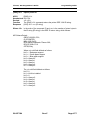
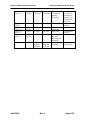
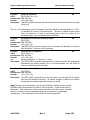
The iTherm® 280 Printer allows the IBM code page selection command to choose
character sets as well as normal IBM code pages. The EPOS character set select
command has been extended to allow additional character sets over and above the 11
defined by EPOS. The EPOS5 code page select command has not been extended
because there is no EPOS definition beyond the first six ID’s.
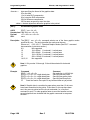
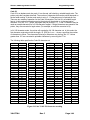
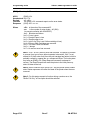
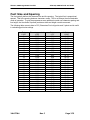
All characters in code pages as well as character sets are addressed as zero through
255. (Characters below 32 must be addressed with the [ESC] ^ <n> command.) Code
pages may be changed at any time and are active for all features including rotated print.
5
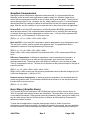
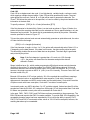
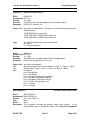
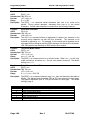
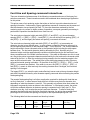
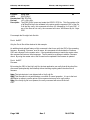
Epson provides limited code page support through ID to code page translation. Only six
translations are defined.
Page 100
Rev C
28-07764