1
T3700G-28TQ JetStream 28-Port Gigabit Stackable L3 Managed Switch CLI Guide
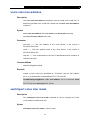
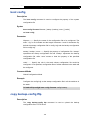
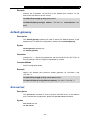
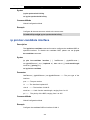
Example
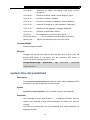
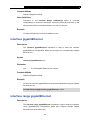
Prevent all the interfaces from sending OSPF packets in routing process 1:
T3700G-28TQ(config)# router ospf 1
T3700G-28TQ(config-router)# passive-interface default
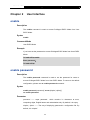
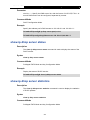
no area
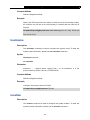
Description
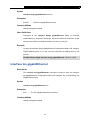
The no area command is used to delete the specified area. Only areas
containing no networks can be deleted.
Syntax
no area area-id
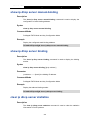
Parameter
area-id ——The area ID, in the format of an IP address in dotted decimal
notation or decimal value ranging from 0 to 4294967295.
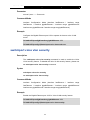
Command Mode
Router Configuration Mode
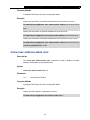
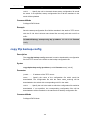
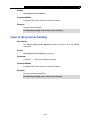
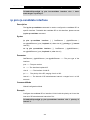
Example
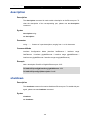
Delete the OSPF area 1:
T3700G-28TQ(config)# router ospf 1
T3700G-28TQ(config-router)#no area 1
area description
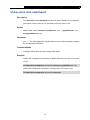
Description
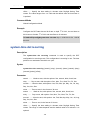
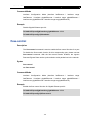
The area description command is used to configure the area name. To delete
the name of the specified area, please use the no area description command.
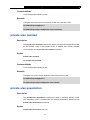
Syntax
area area-id description descript
no area area-id description
364