1
basics
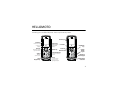
See page 1 for a basic phone diagram.
display
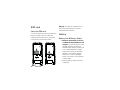
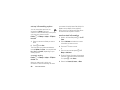
The home screen shows when you turn on
the phone. To dial a number from the home
screen, press number keys and S.
Note: Your home screen may look different.
Soft key labels show the current soft key
functions. For soft key a locations, see
page 1.
status indicators
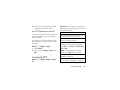
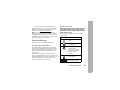
Status indicators are shown at the top of the
home screen:
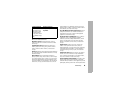
1. 2. 3. 4. 5. 6. 7.
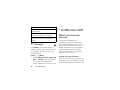
1 Signal Strength Indicator: Vertical bars
show the strength of the network
basics
39