1
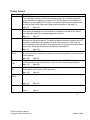
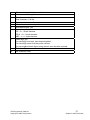
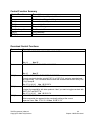
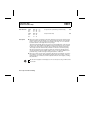
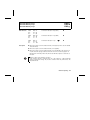
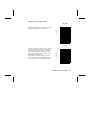
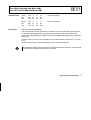
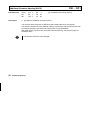
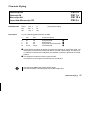
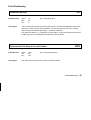
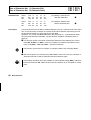
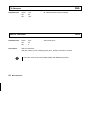
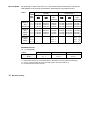
Print Positioning
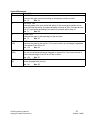
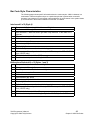
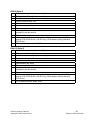
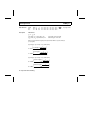
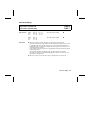
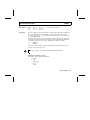
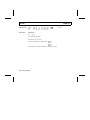
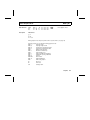
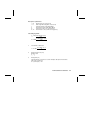
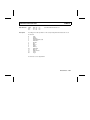
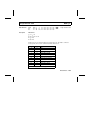
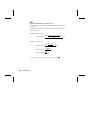
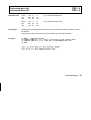
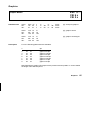
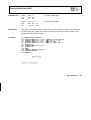
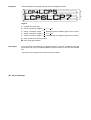
ESC D
Horizontal Tab Stops
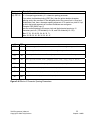
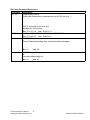
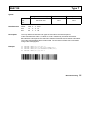
Data Structure
Description
ASCII
hex.
dec.
ESC "D"
1B 44
27 68
<n1> ...<n32>
<n1> ...<n32>
<n1> ...<n32>
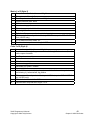
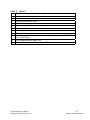
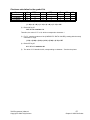
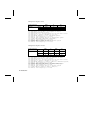
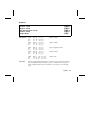
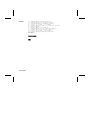
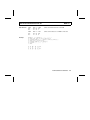
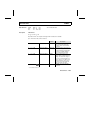
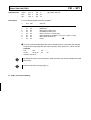
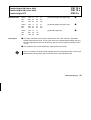
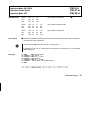
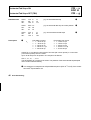
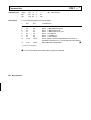
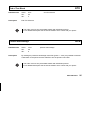
ASCII
hex.
dec.
ESC "D"
1B 44
27 68
NUL
00
0
NUL
00
0
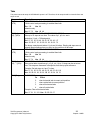
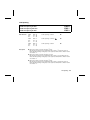
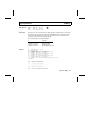
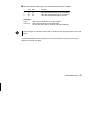
set horizontal tab stops
➊
clear all horizontal tab stops
➋
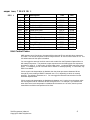
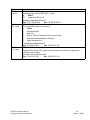
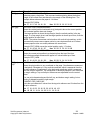
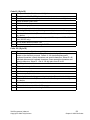
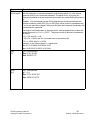
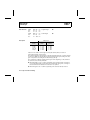
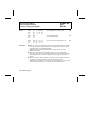
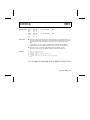
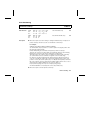
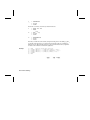
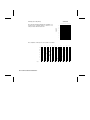
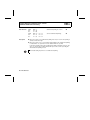
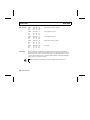
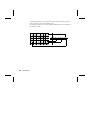
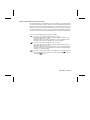
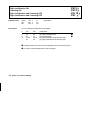
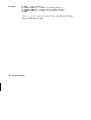
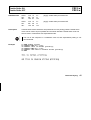
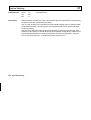
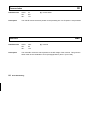
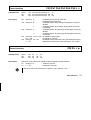
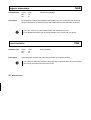
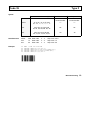
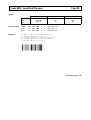
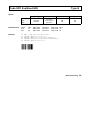
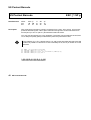
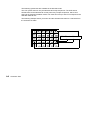
➊ This code sequence is used for setting or clearing horizontal tab stops. It replaces all
previous tab stops and can be used to set a maximum of 32 tab stops.
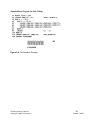
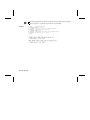
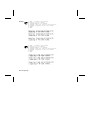
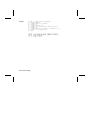
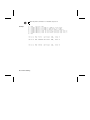
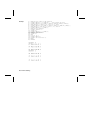
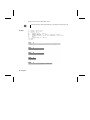
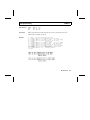
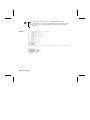
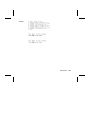
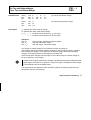
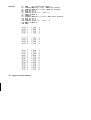
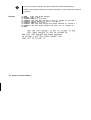
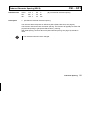
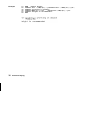
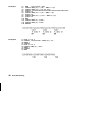
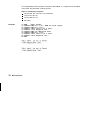
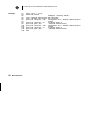
For example,
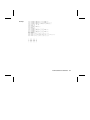
CHR$(27);"D";CHR$(1);CHR$(11);CHR$(21);CHR$(0);
sets horizontal tab stops at positions 1, 11, and 21, position 1 being the position of the
first character at the left margin.
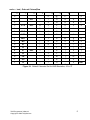
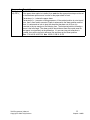
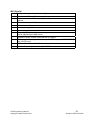
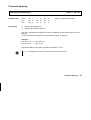
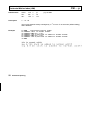
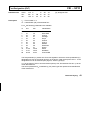
Double width printing does not influence the physical positions of tab stops.
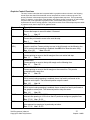
Tab stops are set in those positions which are specified by character codes following
ESC D. These character codes must be arranged in ascending order.
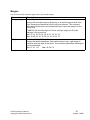
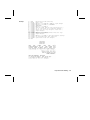
The length of this code sequence varies according to the number of tab stops being
set. Code hex.00 is used as a terminator to signal the end of the data string.
If a character code with a smaller numeric value than the preceding is among those
codes, the code with the smaller value is ignored. Horizontal tab stops can be set at
positions 1 to 255 (136 columns printer) resp. 1 to 160 (80 columns printer). Horizontal
tab stops set by this sequence remain effective until the printer again receives code sequence ESC D or until it is initialized by code sequence ESC @.
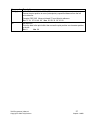
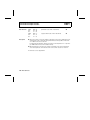
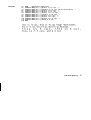
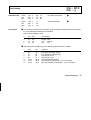
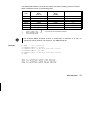
For proportional spacing, tab stops are set in pica spacing (10 cpi).
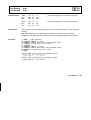
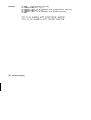
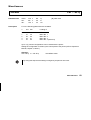
A horizontal tabulation is executed by HT control code (hex.09, dec.9).
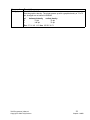
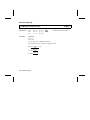
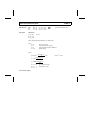
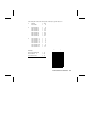
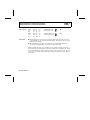
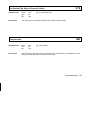
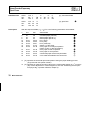
➋ This code sequence cancels all previous tab stops.
Print Positioning 47