1
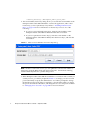
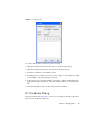
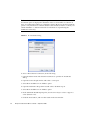
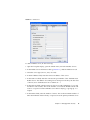
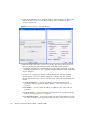
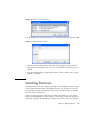
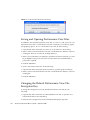
5. Click the Save button to save the security configuration to a file.
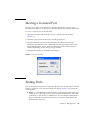
6. In the File Password dialog, enter a password and click the Yes button to save the
file with a password and close the File Password dialog. Or, click the No button
to save the file without a password and close the File Password dialog.
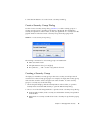
Activating a Security Set
Only one security set can be active at one time. To activate a security set, do the
following:
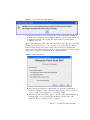
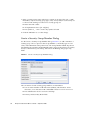
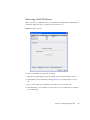
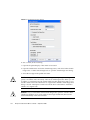
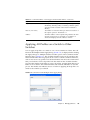
1. On the faceplate display, open the Security menu and select Activate Security Set
to open the Activate Security Set dialog.
2. In the Activate Security Set dialog, select a security set from the drop-down list.
3. Click the Activate button to activate the security set.
Deactivating a Security Set
Only one security set can be active at one time. To deactivate an active security set,
do the following:
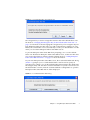
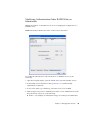
1. In the faceplate display, open the Security menu and select Deactivate Security
Set.
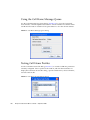
2. In the Deactivate dialog, click the Yes button to confirm that you want to
deactivate the active security set.
Using RADIUS Servers
Remote Authentication Dial In User Service (RADIUS) provides a method to
centralize the management of authentication passwords in larger networks. It has a
client/server model, where the server is the password repository and third party
authentication point and the clients are all of the managed devices. RADIUS can be
configured for devices and/or user accounts. The RADIUS server dialogs are
available only on a secure fabric connection (SSL) and on the entry switch (out of
band switch). Refer to “Connection Security” on page 80 and “Managing System
Services” on page 128 for more information.
RADIUS is designed to authenticate users and devices using a challenge/response
protocol. Basic implementations consist of a central RADIUS server containing a
database of authorized users as well as authentication information. A RADIUS client
wishing to verify the authenticity of a user issues a challenge to the user and collects
Chapter 4
Managing Fabric Security
95