1
3
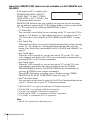
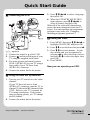
DIAL TIMER
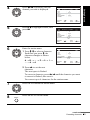
4
DIAL TIMER
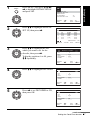
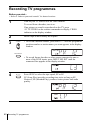
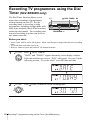
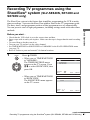
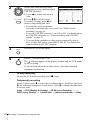
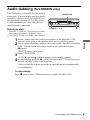
Press
DIAL TIMER.
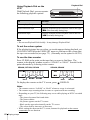
“START” and the current time appear alternately in the display
window.
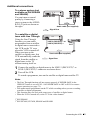
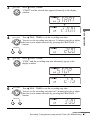
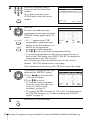
DIAL TIMER to set the recording start time.
You can set the recording start time in 15 minute intervals or adjust
the time in one minute intervals by pressing the PROGRAM +/–
buttons.
Basic Operations
Turn
PROGRAM
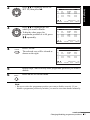
5
6
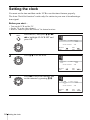
DIAL TIMER
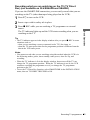
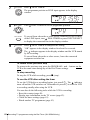
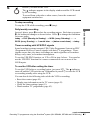
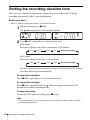
Press
DIAL TIMER.
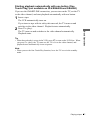
“STOP” and the recording stop time alternately appear in the
display window.
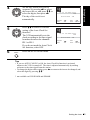
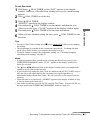
DIAL TIMER
Turn
DIAL TIMER to set the recording stop time.
You can set the recording stop time in 15 minute intervals or adjust
the time in one minute intervals by pressing the PROGRAM +/–
buttons.
PROGRAM
continued
Recording TV programmes using the Dial Timer (SLV-SE840N only)
47